Issue Manager
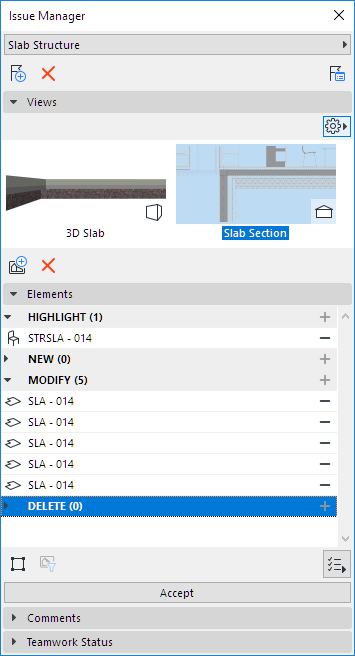
Issue Manager is a palette with controls for managing a single, opened Issue, with the following functions:
- Add views (images), or import/export images
- Manage Issue elements (categorize them as Highlight, New, Modify or Delete)
- Accept the suggestions in the Issue (e.g. new or modified elements)
- Add optional Comments.
Open Issue Manager
Issue Manager opens automatically when you create a new Issue.
You can also open it with one of the following:
Switch to a Different Issue
From Issue Manager:
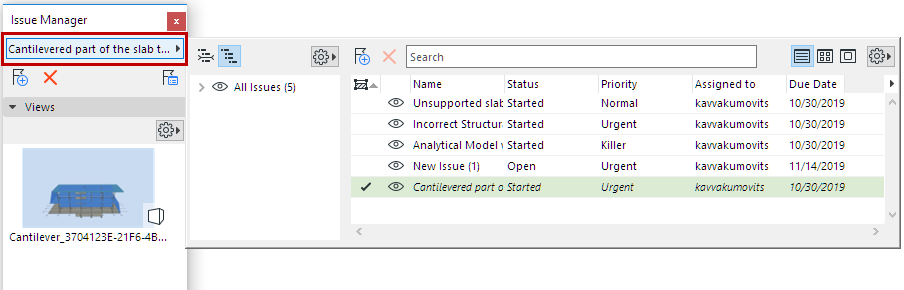
Click the Issue name pop-up to open the Issue Organizer list.
Choose a different Issue to work on.
Suggestion Elements in Issue Manager (Highlight, New, Modify, Delete)