Assign Issue to User
In Teamwork, every suggestion (via its containing Issue) can be assigned to any other user, who is instantly notified.
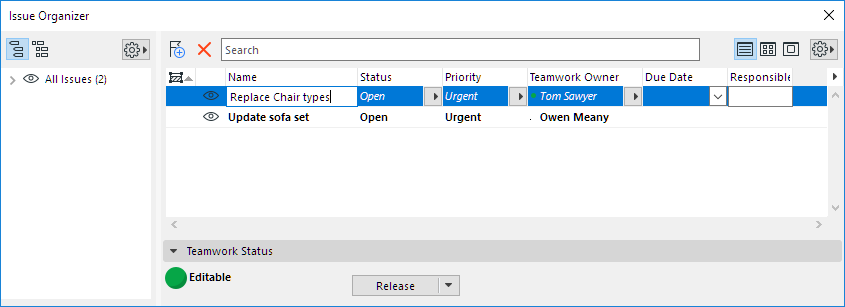
- Open Issue Organizer
- Select the Issue(s) to assign
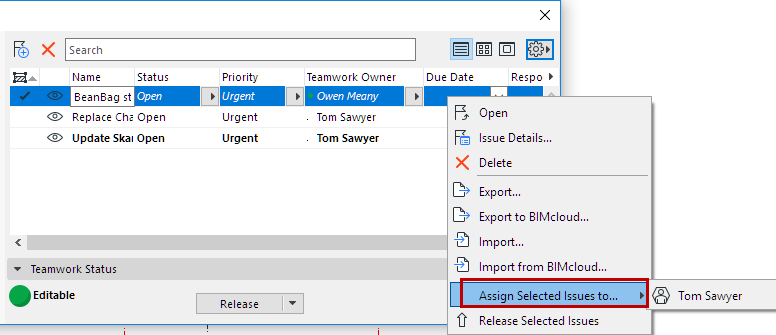
- Do one of the following:
- In the appearing dialog, add or edit the message as needed, then click Assign.
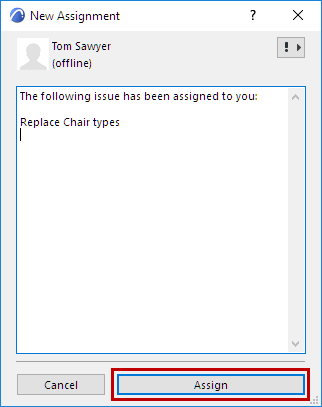
- The receiving user is notified (via Teamwork Messaging)
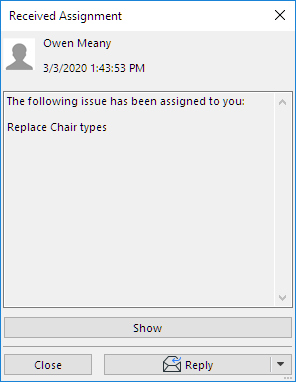
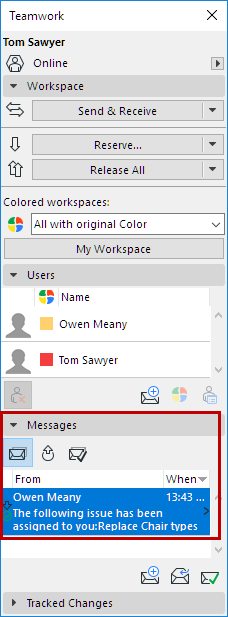
The Issue is now reserved by the user to whom it has been assigned.
- The new Issue owner can click Show to see Issue Organizer, and handle the Issue as needed.