Filter Change Notifications by Teams and Users
Teams and Users is a panel in the Teamwork > Change Tracking dialog.
By default, each Subscription tracks activities by “Everyone” - that is, all users joined in to the project. Whenever any user sends in a change that fits your Subscription criteria, you get a notification.
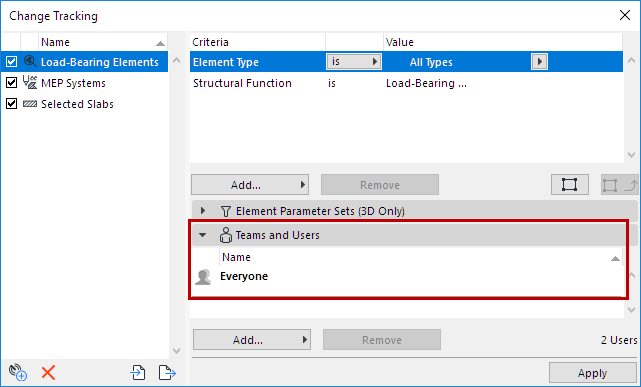
However, you can narrow the subscription so that you are only notified if certain selected users (or Team members) make the change.
- Open the Teams and Users panel.
- Select the Everyone item, then click Remove.
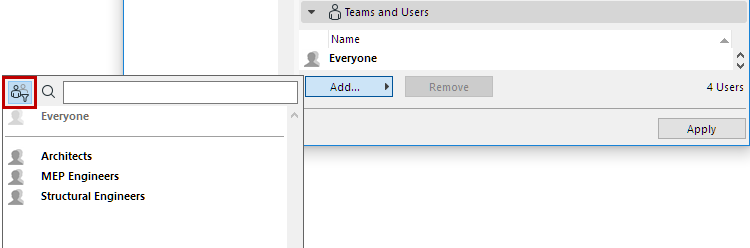
- Click the Add button.
- The list of Users and Teams appears.
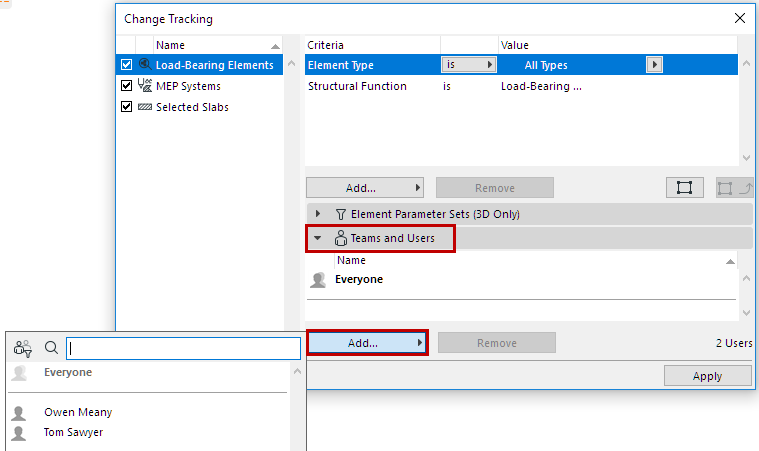
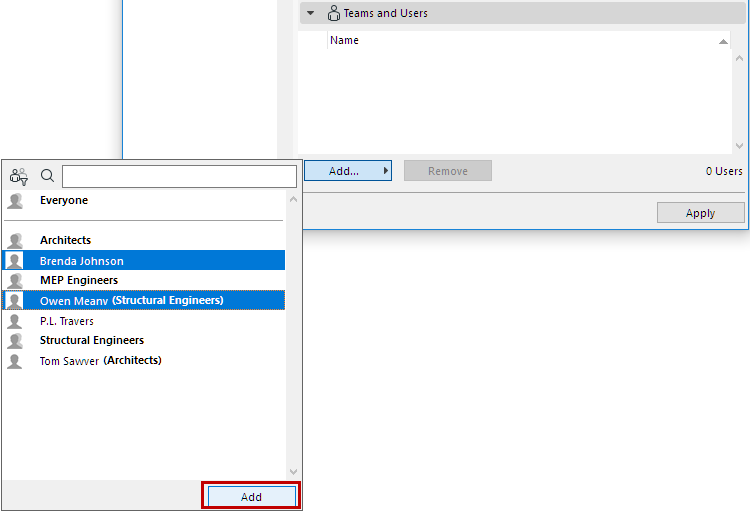
This list displays:
- Select one or more Users or Teams, then click Add.
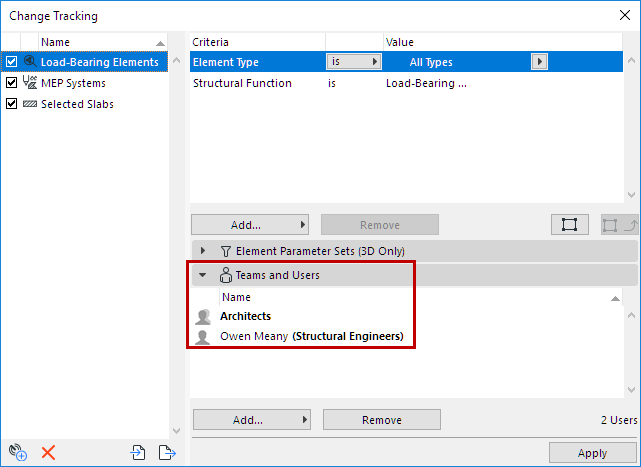
The subscription is now filtered to track only changes by the Teams/Users you have added.