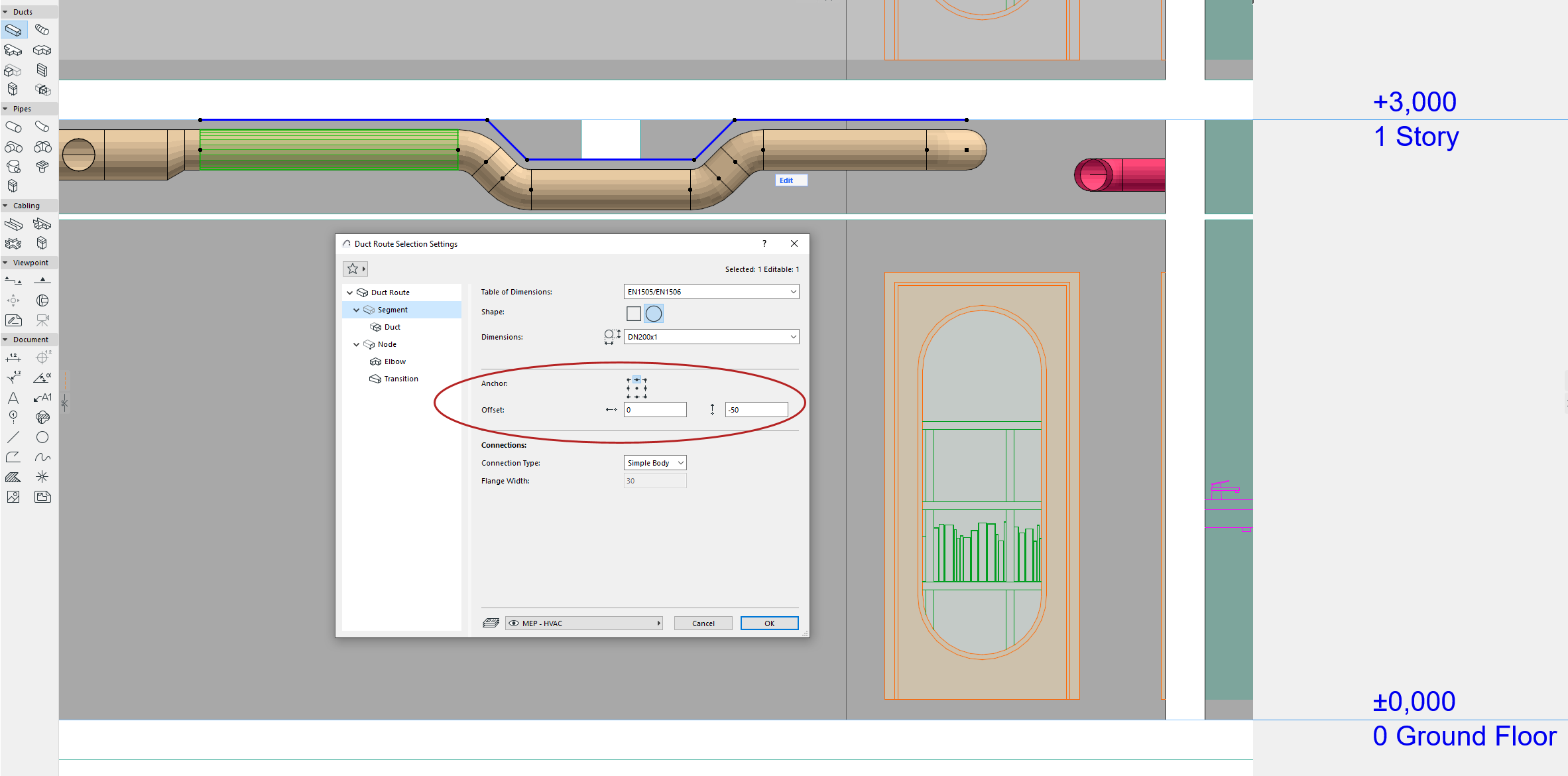
Edit segment reference line - alignment and offset
The reference line is at the center of route segments by default. Enter an offset or adjust alignment in the Info Box or Segment Settings as needed.

For example, to place a duct closer to a slab, realign route reference line to the bottom point. Or define an offset to keep a route at a certain distance from a wall or ceiling.