Find open MEP connections
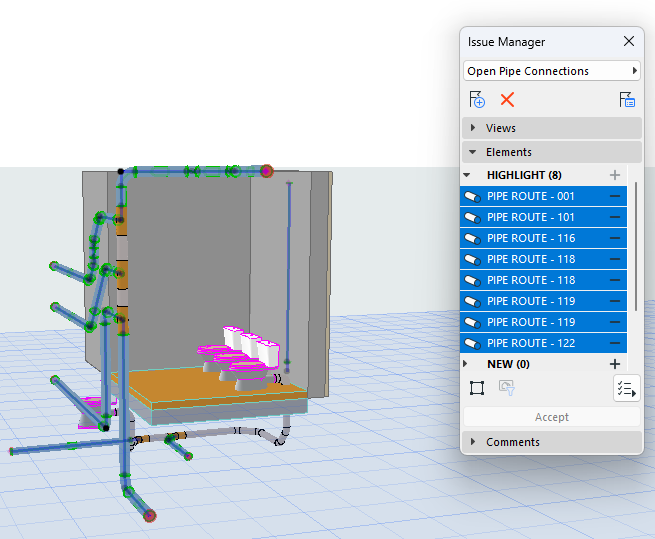
To see open ends and connections in 2D/Section or 3D views, turn on Open MEP Connections at View > On-Screen View Options. Open connections are circled in 2D or Section, and shown with a red highlight in 3D.
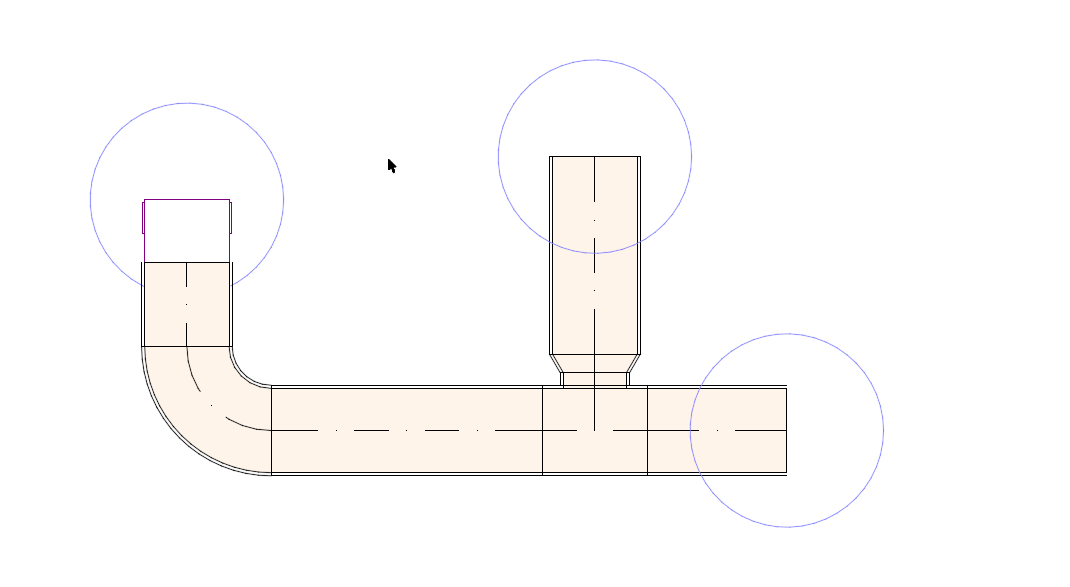
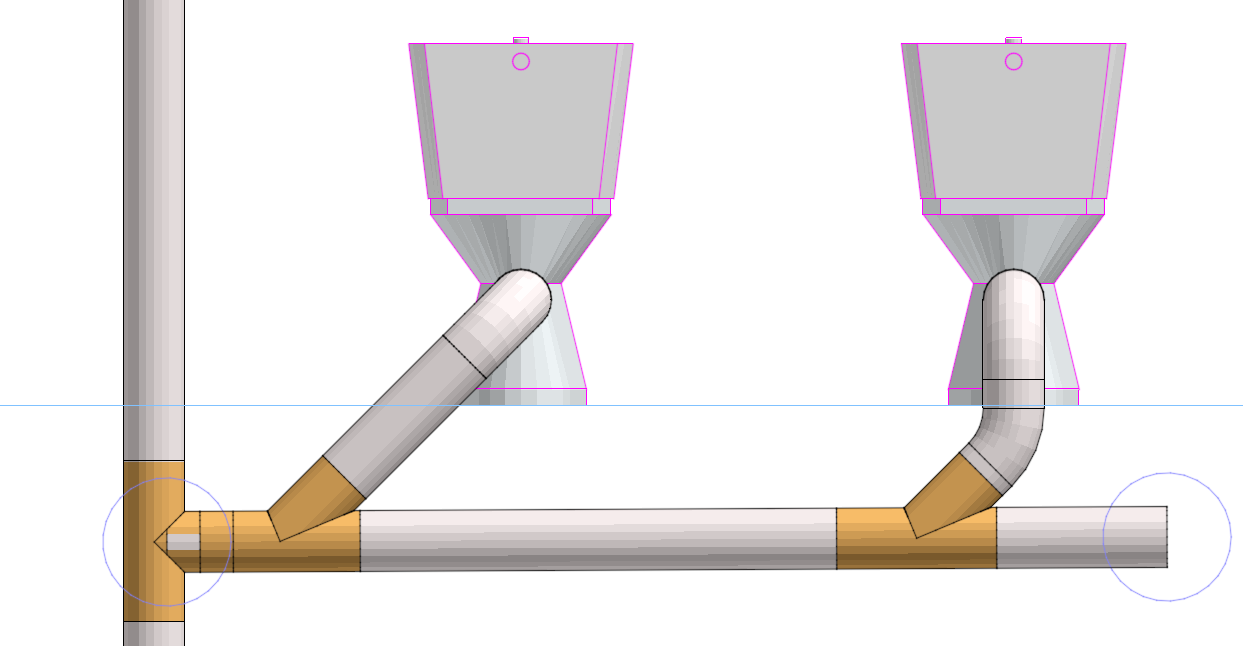
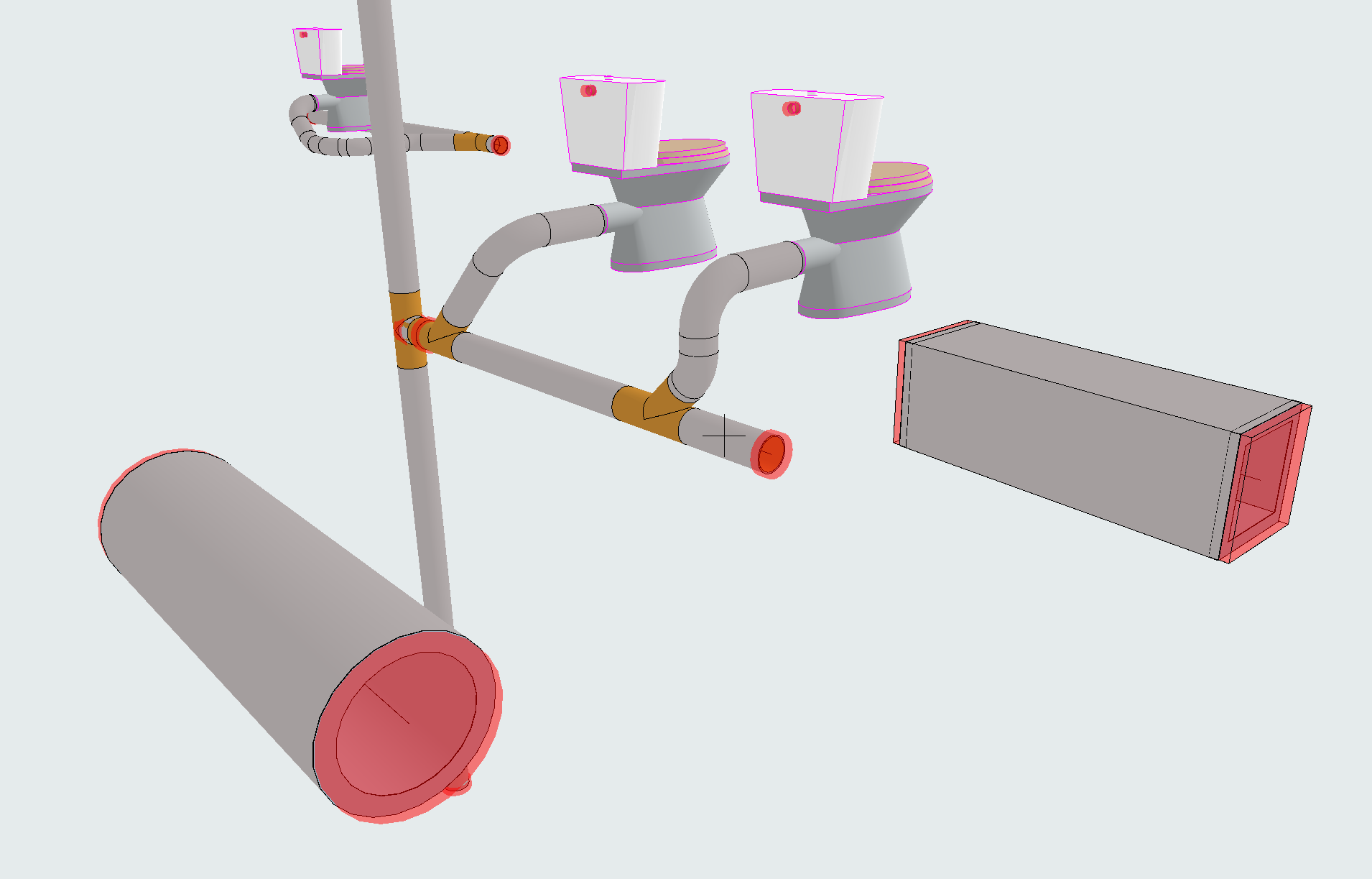
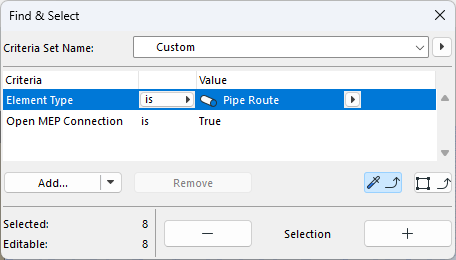
Use Find & Select to locate open Connections as needed.
You can manage them as Issues in Issue Manager.
The built-in Resolve MEP Connections command can detect and repair other connection issues: see Resolve broken MEP connections