MEP-compatible Objects

Notice: Available with Archicad Collaborate or Archicad Max.

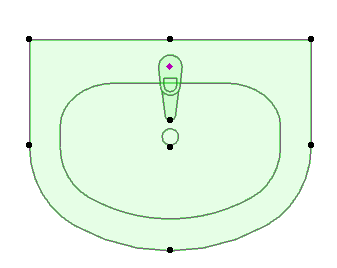
Many familiar objects, such as this Basin, also include MEP-compatible connection settings, so you can connect them to an MEP route.
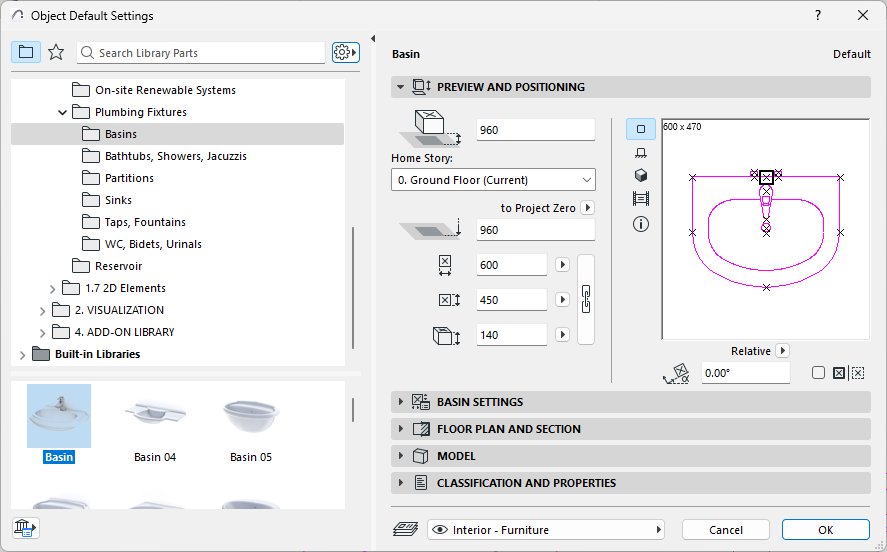

Basin.png

Display MEP Connection Ports on Objects
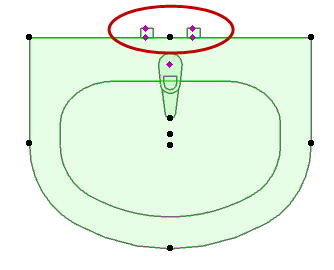
  1. Go to Document > Model View > Model View Options
  2. Open Miscellaneous Settings for Library Parts
  3. Enable the Model View Option for Object MEP Connections

    MEPConnectYes.png      MEPConnectNo.png

    Model View Option: Show or Hide MEP Connections on Library Parts

Convert Objects to Equipment

To edit such connections graphically, you must first convert them to Equipment-type elements.

For a selected MEP object: Switch its type to Equipment (or back to Object) using the context menu commands.
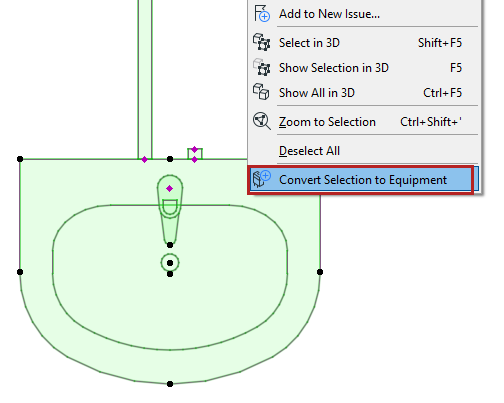

ConvertEquipment.png

Related topics

Edit MEP connection ports

Place Terminal, Accessory, or Equipment