- Open Load Manager.
- Select a Load Group from the list on the left.
- Adjust its Load Group Settings on the right.
Group Name
Each Load Group must have a unique name.
Group Type
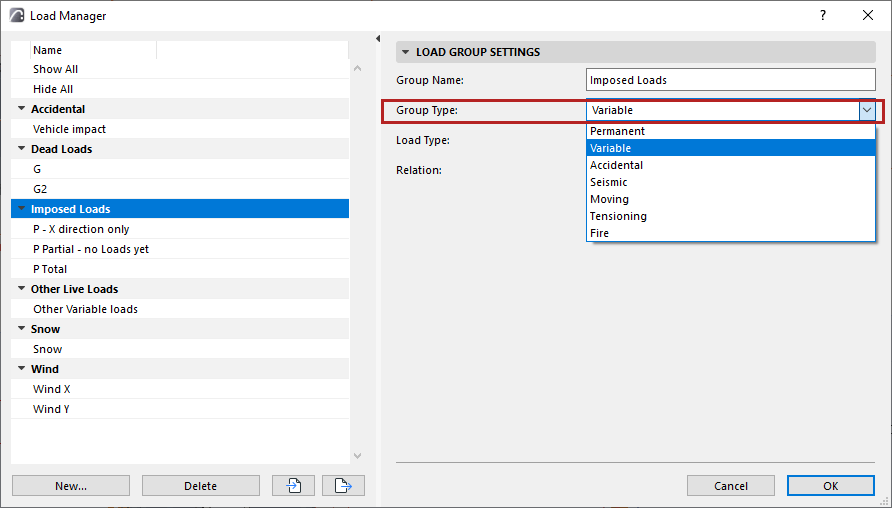
- Permanent
- Variable
- Accidental
- Seismic
- Moving
- Tensioning
- Fire
Load Type for a Load Group
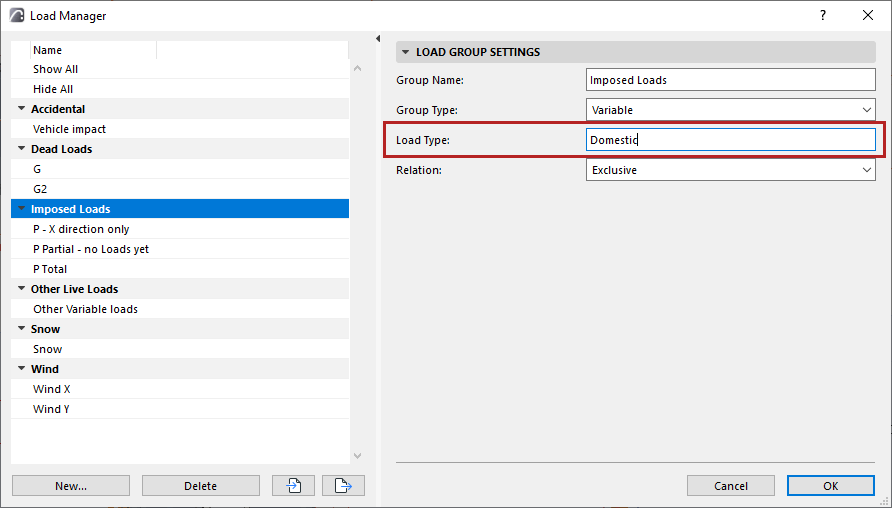
Optionally, enter text to describe the Load Type.
Relation
- Exclusive
- Standard
- Together