Set up Load Categories
Use Load Categories in the workflow that automatically generates live loads on zones, based on their classification. Load Categories determine the live load values.
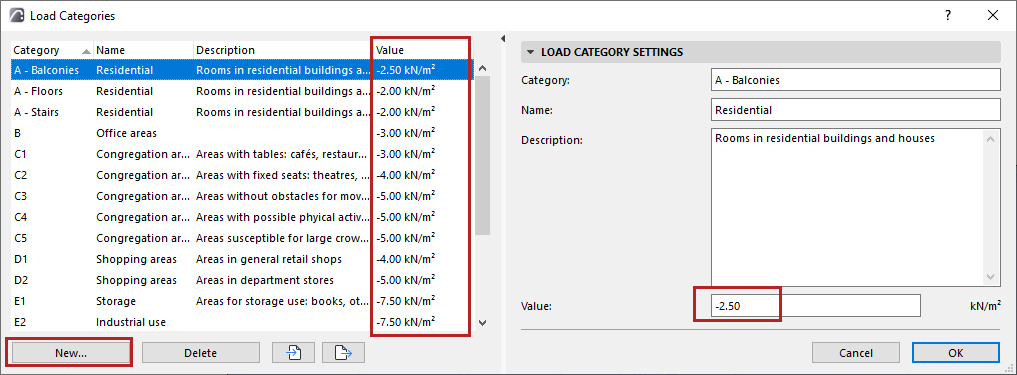
- Open the dialog from Options > Load Categories
- For each Category, review and set live load values as needed.
- Click New to create Load Categories. You can also duplicate and edit an existing one.
 *
*
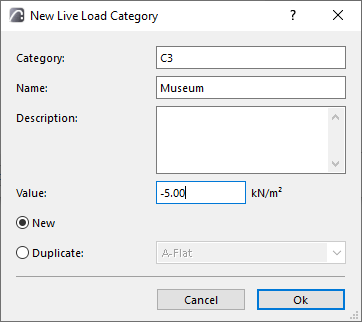
- Fill in Category, Name, Description, and Value.
- The “Category” text must be unique (you can’t repeat it in the list)
Import/export Load Category values
Use the buttons at the bottom of the Load Categories dialog to export or import Load Categories via an XML file.