Load Tool Settings
There are three Load tools in Archicad:
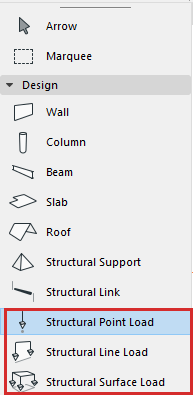
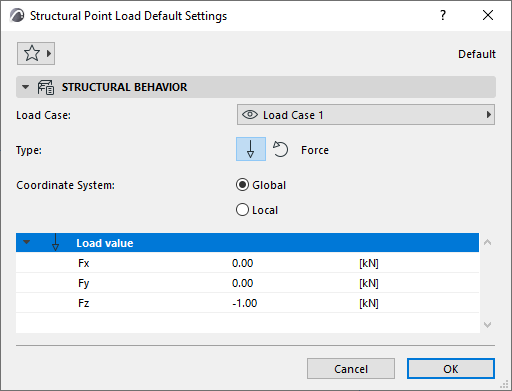
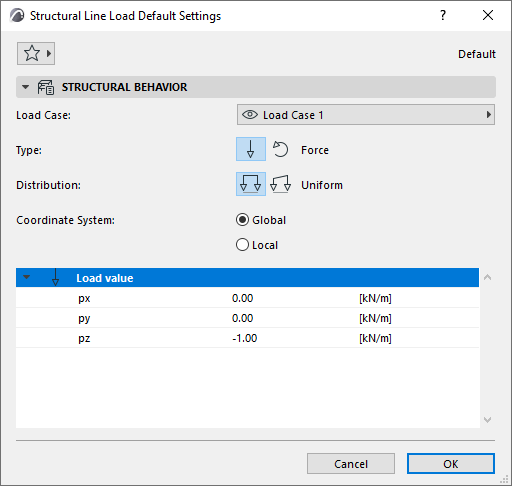
To open its Settings, double-click the tool in the toolbox.
 |
 |
|
Point Load Settings |
Line Load Settings |
Load Case
Choose a Load Case for this Load element.
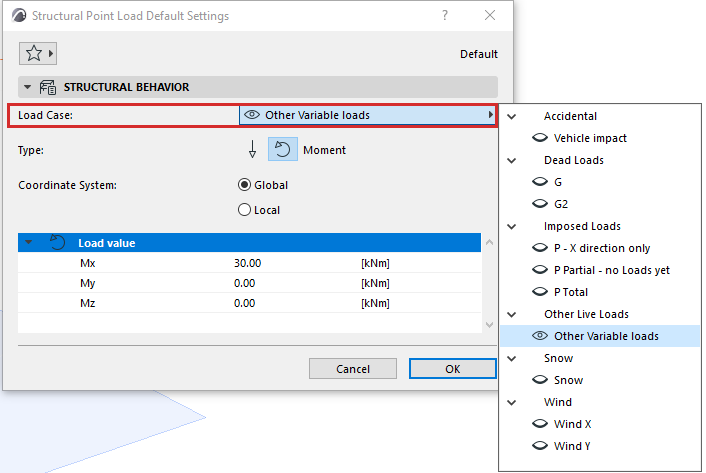
The Load Case determines whether a Load element is visible or not (similar to element visibility depending on its Layer status).
Note:
Type
Choose Force or Moment to describe the Load's behavior.
Moment is indicated with a double arrowhead and a curved arrow.
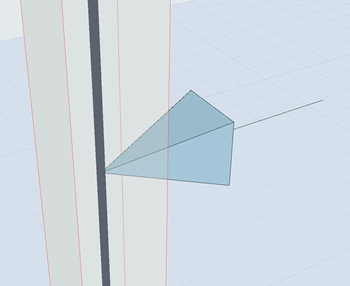
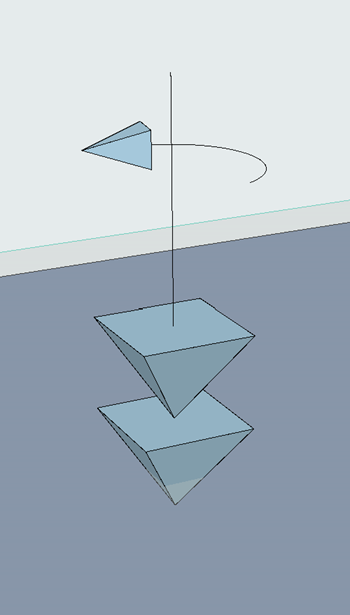
Point Force Point Moment
Distribution (Line Loads only)
Describes Load distribution along its length.
Coordinate System
Defines how to interpret the vector direction of the Load Value.
Load Value
For each Load, specify its intensity in each direction
|
Point Load Value |
Description |
|
Point Force |
|
|
Fx, Fy, Fz |
The magnitude of Force applied in the X, Y and Z direction. |
|
Point Moment |
|
|
Mx, My, Mz |
The magnitude of Moment applied about the X, Y and Z direction. |
|
Line Load Value |
Description |
|
Line Force |
|
|
px, py, pz |
The magnitude of Force applied in the X, Y or Z direction at all points along Line Load |
|
px1, py1, pz1 |
The magnitude of Force applied in the X, Y or Z direction at the startpoint of the Line Load |
|
px2, py2, pz2 |
The magnitude of Force applied in the X, Y or Z direction at the endpoint of the Line Load |
|
Line Moment |
|
|
Mx, My, Mz |
The magnitude of Moment applied in the X, Y or Z direction at all points along the Line Load |
|
Mx1, My1, Mz1 |
The magnitude of Moment applied in the X, Y or Z direction at the startpoint of the Line Load |
|
Mx2, My2, Mz2 |
The magnitude of Moment applied in the X, Y or Z direction at the endpoint of the Line Load |
|
Surface Force Value |
Description |
|
px, py, pz |
Magnitude of Force applied in the X, Y or Z direction of the Surface Load. |
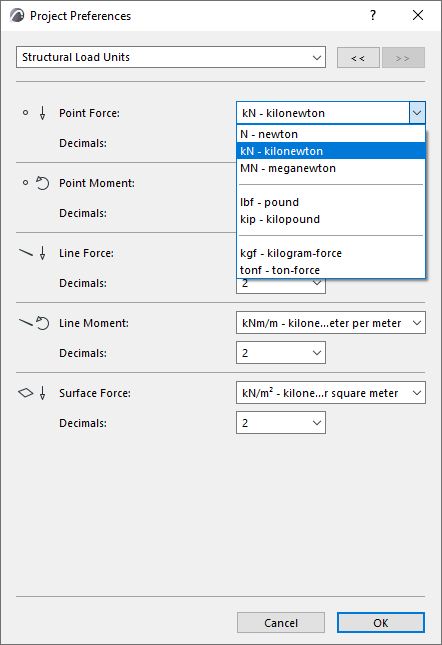
Structural Loads Units (Project Preferences)
For each Load tool and type, set its units at Options > Project Preferences > Structural Load Units: