Create new SAF Translator
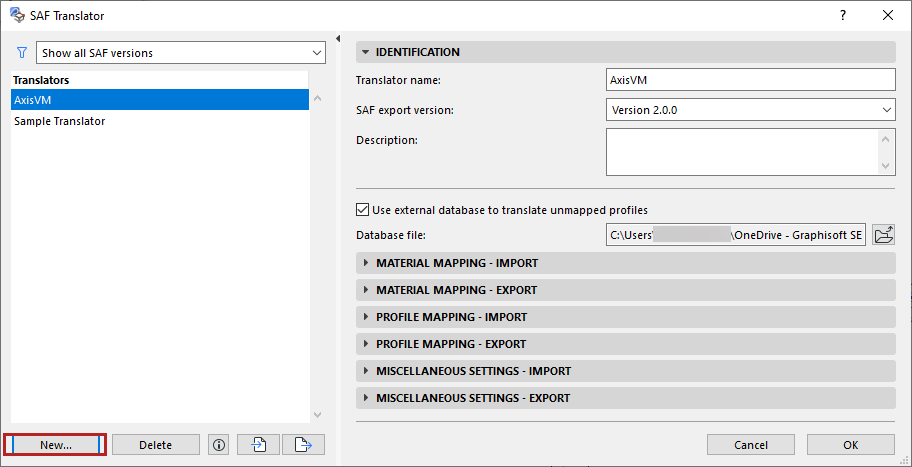
Access SAF Translator settings at File > Interoperability > SAF > SAF Translators.
You can set up and store multiple translators for SAF-based file exchange. Customize each translator to meet the particulars of any structural application.
From the SAF Translator dialog:
- Click the New button.
- Choose to create either a brand-new translator, or duplicate an existing one, then click OK
- On the Identification panel: Choose a SAF export version to optimize the file to match your analysis program’s capabilities.
- Enter an optional description for the translator.
See also: