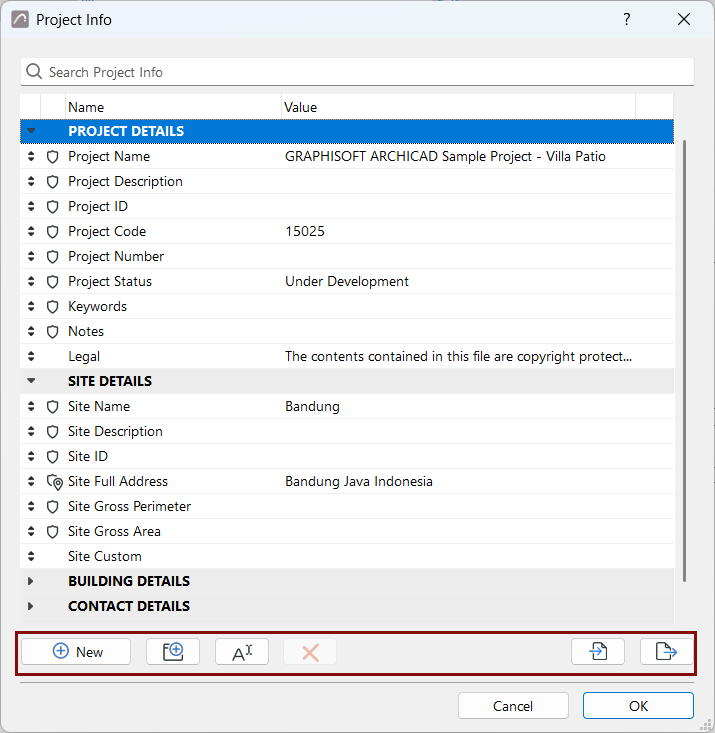
Use the command buttons to create custom fields or groups, and delete or rename them.
You can rename any group, and you can rename or delete any custom item.
Or use the context menu commands, which vary depending on where you click.
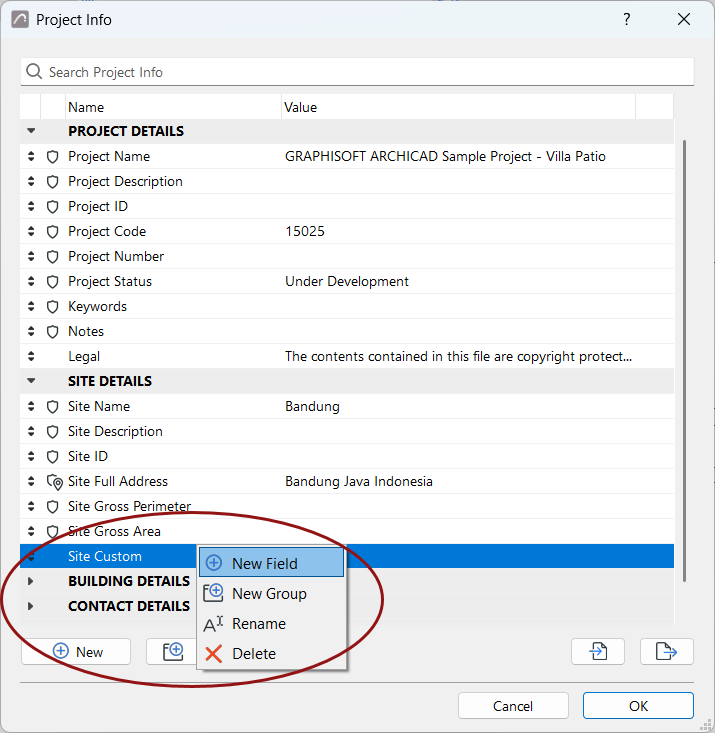
- New: Add a new custom Project Info field in the current
group.
- New Group: Create a new custom group.
Note:
- Names of fields and groups must be unique within the entire Project Info
database
- Built-in fields and groups are shown in the list with a shield. You can't rename or
delete built-in items.
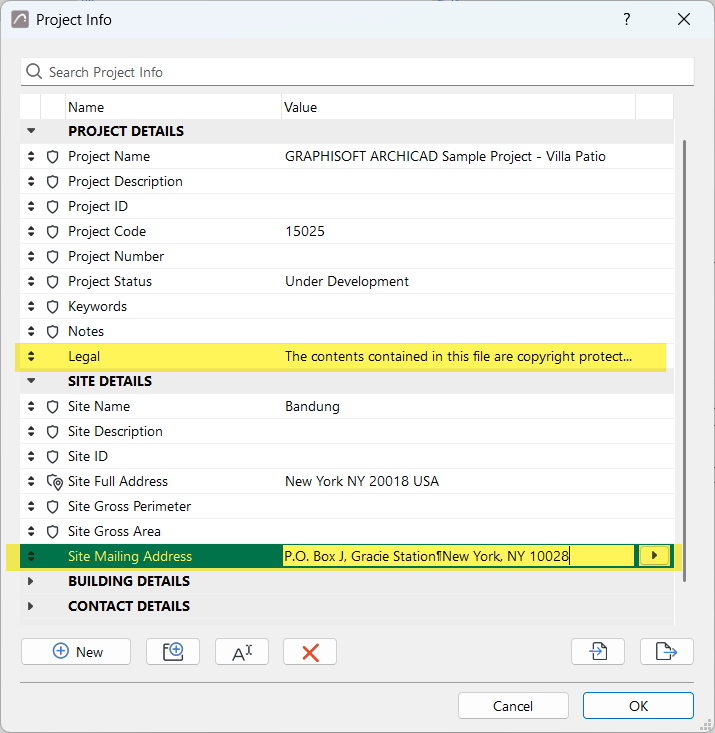
- Rename: Edit the selected custom field name or any selected group name. (You can
also double-click the name to edit it.)
Note: You can't rename a
built-in field, but you can move it to any another group.
- Delete: Delete the
selected custom field or custom group.
Note: You can't delete a built-in item, but you can move a built-in
field to any other group.