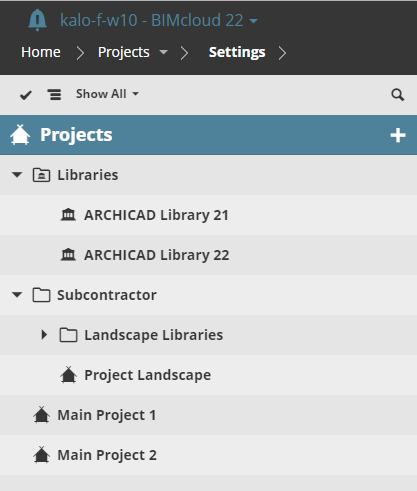
The Projects Navigator lists the projects and libraries to which you have access.
You can organize these items into folders as needed, e.g. all projects belonging to a studio go into one folder, or all libraries into one folder. (Use the Move command to organize items: see Move Item.)
Note: Folder hierarchy is limited to a single level in BIMcloud Basic.
On the Projects page, the Navigator has two view options:
•Tree view: Hierarchy is displayed
•List view: All projects/folders are displayed in a list. Their location in the hierarchy is displayed in the second line of each item. List view is easier to sort, because it omits the folder hierarchy.