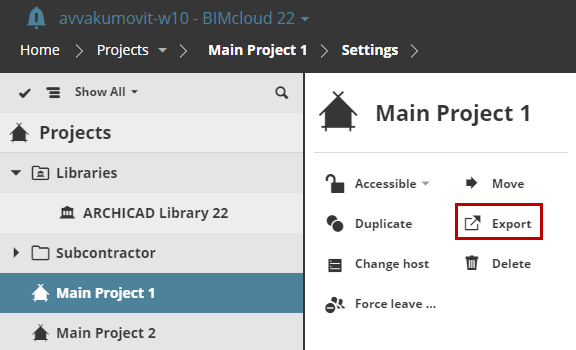
Use this function to save a Project or Library as a file (.BIMProject22 or BIMLibrary).
1.In the Navigator, select a Project or a Library.
2.From the Functions area, click Export.
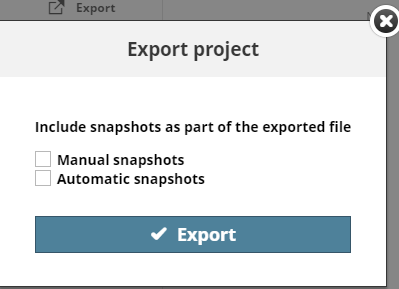
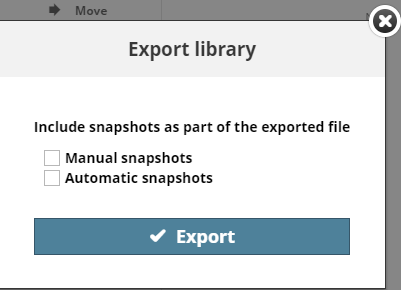
3.Click Export. If needed, check options to include snapshots in the exported file.
Browse for the file destination if your browser requires it. Otherwise it will be downloaded into your default download folder.