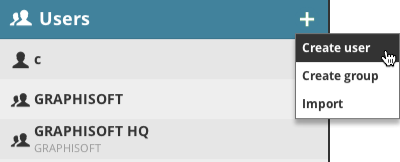
Click the plus-sign pop-up and choose Create User. (If the Users root is selected, you can also choose the command from the Summary panel).
Enter the name of your user along with his/her new password.
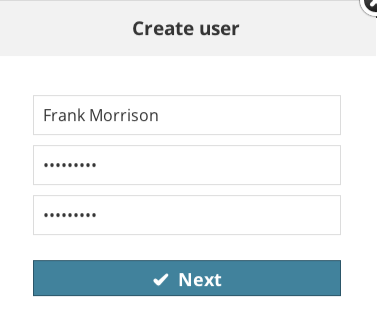
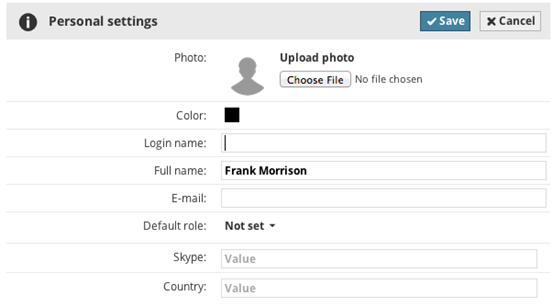
Click Next and enter the remaining parameters in the User's settings panel.
See Settings.
 Required permissions:
•Simplified management: Server administrator
•Detailed management: Modify folder content for User root