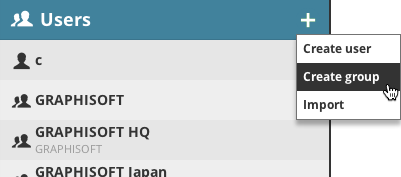
Note: Create Group is not available in BIMcloud Basic.
Click the plus-sign pop-up and choose Create Group. (If the Users root is selected, you can also choose the command from the Summary panel.)
Enter the name of the group in the dialog and click Create.
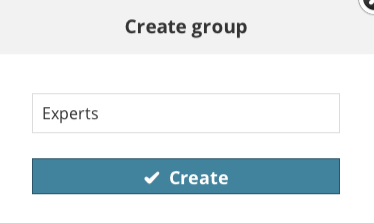
The Group settings panel will open; you can start to add members to your new group.
 Required permissions:
•Simplified management: Server administrator
•Detailed management: Modify folder content for User root