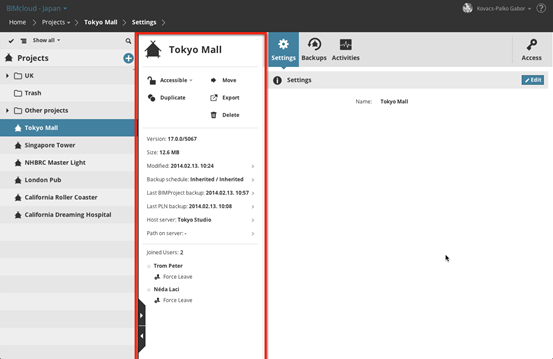
The Summary, displayed to the right of the Navigator, provides key functions and a quick overview about the selected item.
You cannot edit its values in the Summary. (When the Navigator is in an expanded layout, the Content area is hidden, and the Summary is the only visible information source.)
The Summary has four sections:
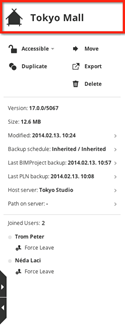
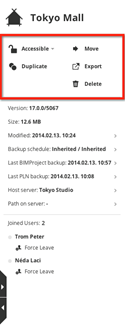
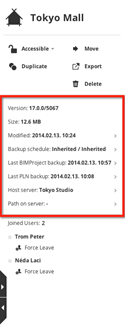
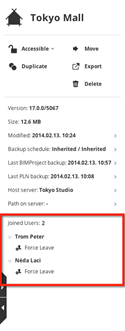
Summary Sections: Name - Functions - Quick Info - Joined Projects or Users
•Name
•Functions
•Quick information: Displayed in multiple rows. Most of the rows also act as a link to a page, where further information is available. If you do not have permission to view further details about a linked item, then the link is blocked.
•Joined users/projects:
–For a selected User (Users page only): the projects the user has joined.
–For a selected Project (Projects page only): the users who have joined this project.