BIMcloud app tray icon
Control center for all BIMcloud components
Use the BIMcloud tray icon application to check and control the status of installed BIMcloud components. The application is installed and started automatically on the server computer.
Check BIMcloud status
The tray icon gives you feedback in case of issues:



-
Yellow warning: All components are running, but one or more issues have been detected (e.g. blocked port)
-
Red X: One or more components are not running
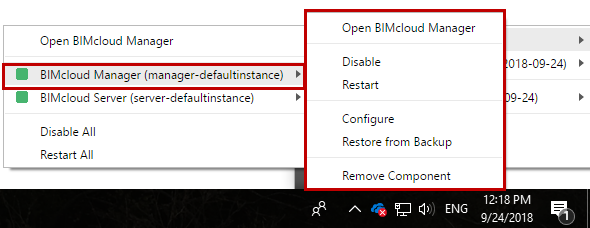
Access BIMcloud components from tray icon
Click
the tray icon to access installed BIMcloud components and related
commands. BIMclouds are differentiated by their names (the BIMcloud
name is displayed at BIMcloud Manager - General Settings.)
Paired BIMcloud components (Manager plus Server) are grouped accordingly.
Unpaired Servers are listed separately.
-
Color indicates status of the component(s): Yellow if running with problems, red for stopped.
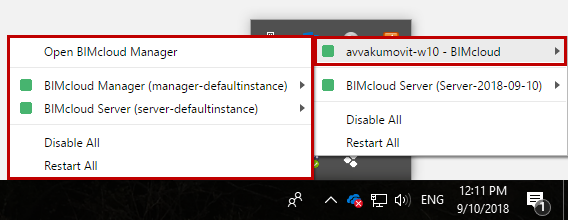
Access commands for BIMcloud components
Click a component to see its related commands: