Using Tags
Use tags to categorize and help locate your projects, folders, and files
For example, tag the two projects that you work on daily, then use search and filter to quickly display these projects in the navigator.
Tags are for personal use: no one else who accesses the BIMcloud will see the tags you are using.
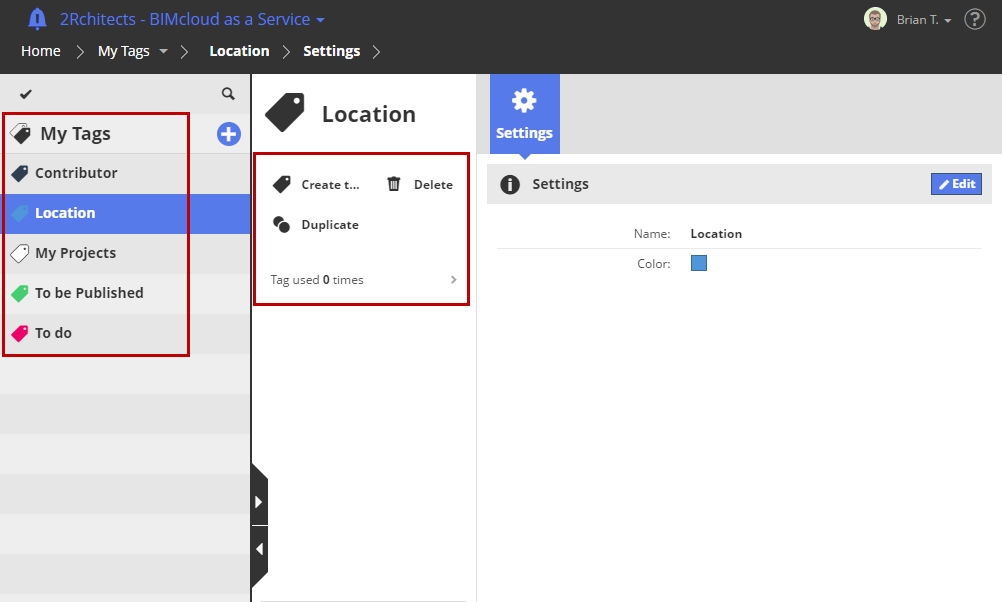
On the My Tags page of BIMcloud Manager:
Tags are listed in the Navigator in a flat list.
For any selected Tag, relevant commands are available (described in the following sections).
Default Tag Set
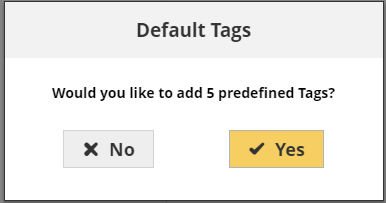
The first time you open the My Tags page, you get the option to add five predefined Tags.
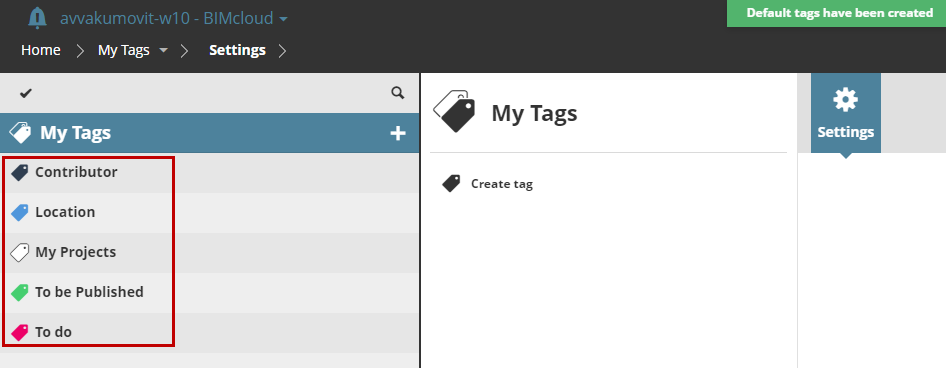
These are available for your convenience, but you do not have to add them or use them. You can create any number of tags in addition to the default set.
If your tag list is empty, you can create the Default tag set at any time using the command:
