View a BIMx model or image file
View or navigate images or BIMx models uploaded to the BIMcloud
- Go to the Projects page of BIMcloud Manager
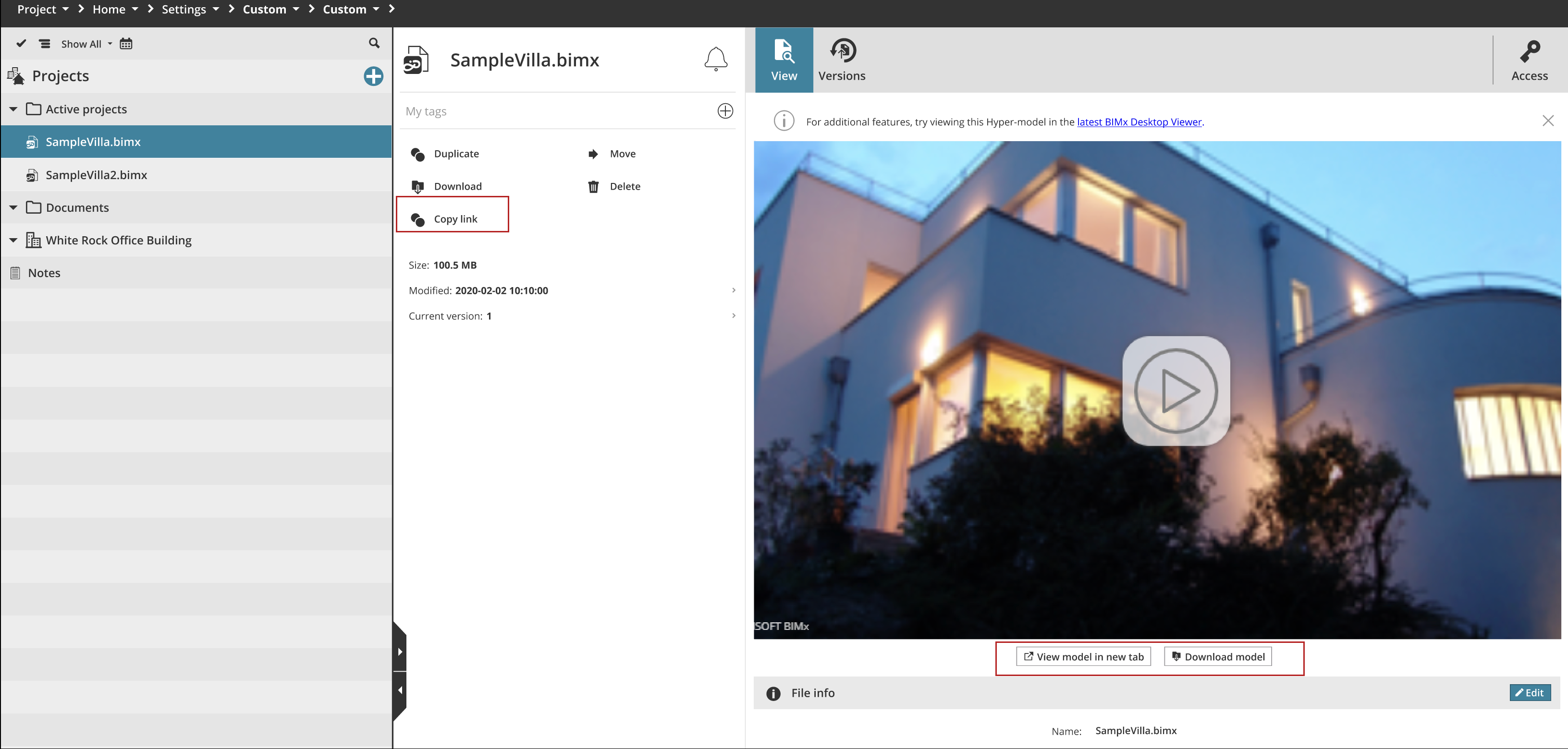
- For any uploaded BIMx models and or image -type files, of these formats: .bmp, .jpeg, .jpg,png, and .gif: click the View panel to see the image.
- Use the Settings tab to edit the file name.
- Use the Versions tab to retrieve file versions if any.
For BIMx models:
- Click the arrow to start navigating in the model
- View the model in a new tab or download it
Note: To view the BIMx model, your BIMcloud components (BIMcloud
Manager, BIMcloud Servers) have to be up to date. In case one or
more components is out of date, the View page will alert you to
update.
Note: An updated version of BIMx Desktop Viewer may be available, which is not yet built into
BIMcloud. For additional features, try viewing this Hyper-model in the latest version of BIMx Desktop instead.