Server folders
Use folders to organize servers on your BIMcloud
Create folder
Available for the Server Root folder and any of the server folders.
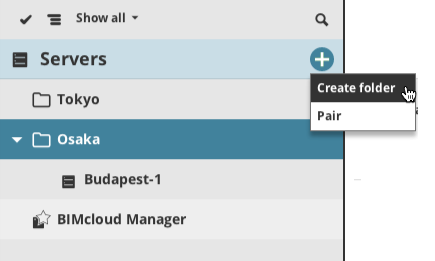
On the Servers page of BIMcloud Manager, click Create Folder and enter the new folder name
in the appearing dialog. Make sure the new folder name is unique within this
folder.
Delete folder
Select a folder, then click Delete folder.
You can only delete a folder if it is empty.