Create a new user
Add local user who can use licenses from your BIMcloud license pool only
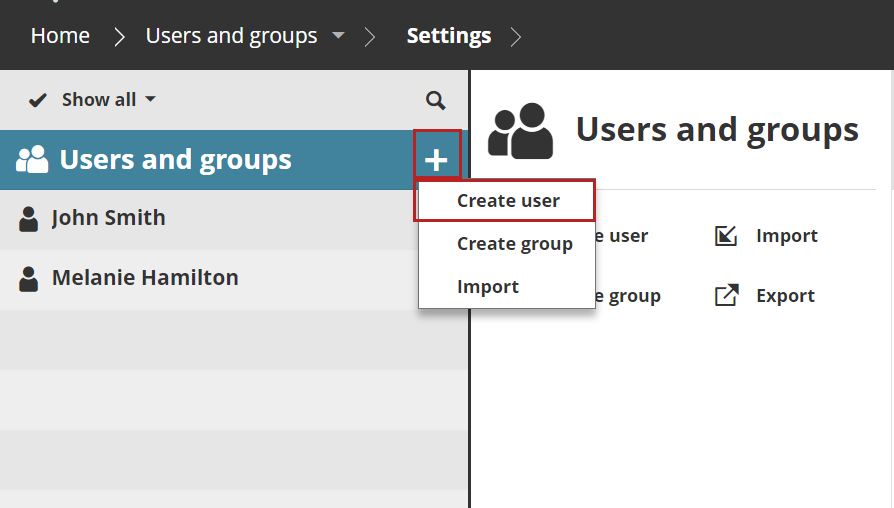
- Open the Users and groups page of BIMcloud Manager.
- Click Create user
- Fill in the fields, then click Next.
- Type in the user’s email address. Upload an optional photo and set a user color.
- The new user’s Settings page opens. See User settings and license
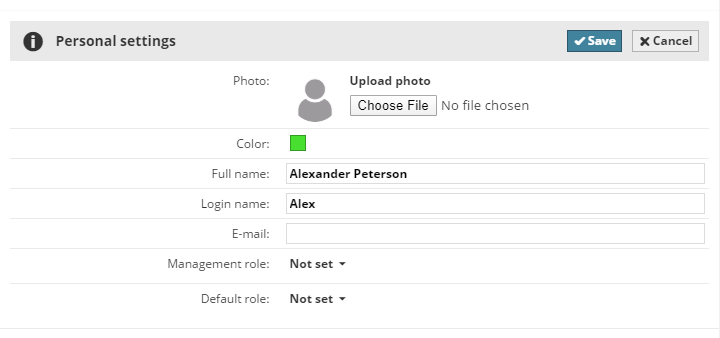
- Click Save to finish the process.