Create user group
Create a user group on BIMcloud
For most BIMcloud SaaS setups, the default groups work well: assign your company members to those existing groups for easy management.
It is also possible to create custom user groups.
On the Users and groups page:
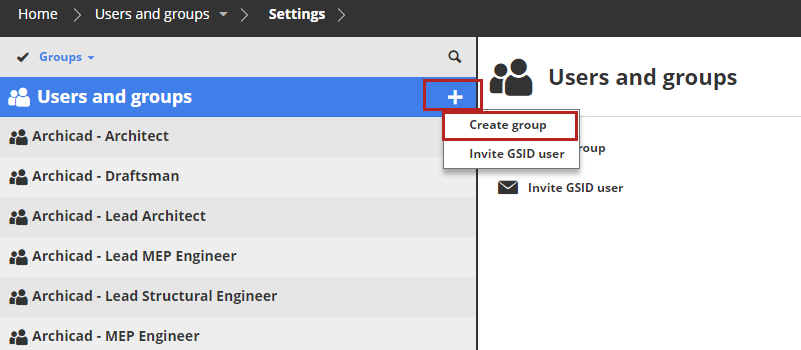
Click the plus-sign pop-up and choose Create Group. (If the Users and groups root is selected, you can also choose the command from the Summary panel.)
Enter the name of the group in the dialog and click Create.
Note:
- Do not use a period at the end of the group name
- Do not use non-printing or special characters such as <>:;*?"|/\
The Group settings panel will open; you can start to add members to your new group.
After creating the group and adding members, make sure you also grant the proper access rights to the group.