Edit or delete a tag
Change the tag name or color, or delete a tag
Open the My Tags page of BIMcloud Manager.
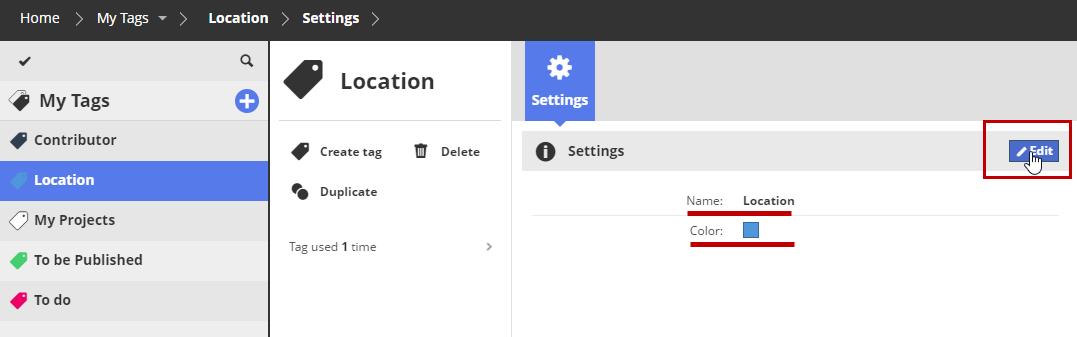
Select a tag to edit.
Edit tag name or color
In Settings, click Edit.
Modify the name and/or color, then click Save.
Delete a tag
Click Delete from the summary section.
This eliminates the tag entirely. The tag will be removed from all items that used it.