Identify shared files
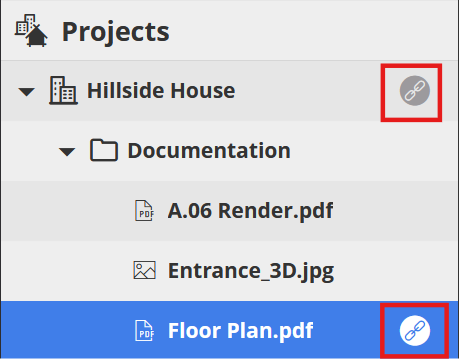
In the Projects tree, items that have been shared via public link are shown with a link icon:
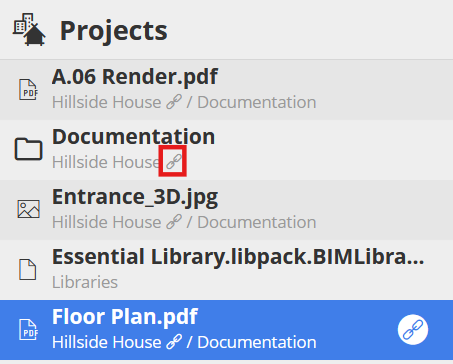
In list view, each item also displays the path of its parent folder(s) or BIMcloud Project. Such parent items, if they have been shared, also display the link icon.
No special permission is needed to see if an item is shared via a public link.
On a selected folder, BIMcloud Projects, or file, the “Shared with public link” text also indicates that the item has been shared via public link.