External Units
Use External UnitsExternal Units when you want to bring unit designs from Archicad into Creator. An External Unit is based on an Archicad PLN or MOD file and can be used in Creator like other unit types.
Units workflow
You can create units in two ways:
Prepare the Archicad module before upload
- Create a clear unit shape, for example with a slab or walls.
- Keep only one unit in the PLN or MOD file.
- Place the unit close to the Archicad origin.
- Check that there are no unnecessary elements far away from the unit.
- Upload each unit as a separate file.
Example: If you prepare an office space, save only that office space in a separate PLN or MOD file.
What Creator uses from the module
- Archicad elements — The module can contain any normal Archicad content, such as walls, slabs, doors, windows, objects, zones, or furniture.
- Bounding box — Creator uses the outer limits of the Archicad elements to define the External Unit size and shape.
- Archicad origin — Creator uses the file origin as the insertion point when you place the unit later.
Upload an Archicad file as an External Unit to the Unit Planner
- Open the PLN or MOD file in Archicad.
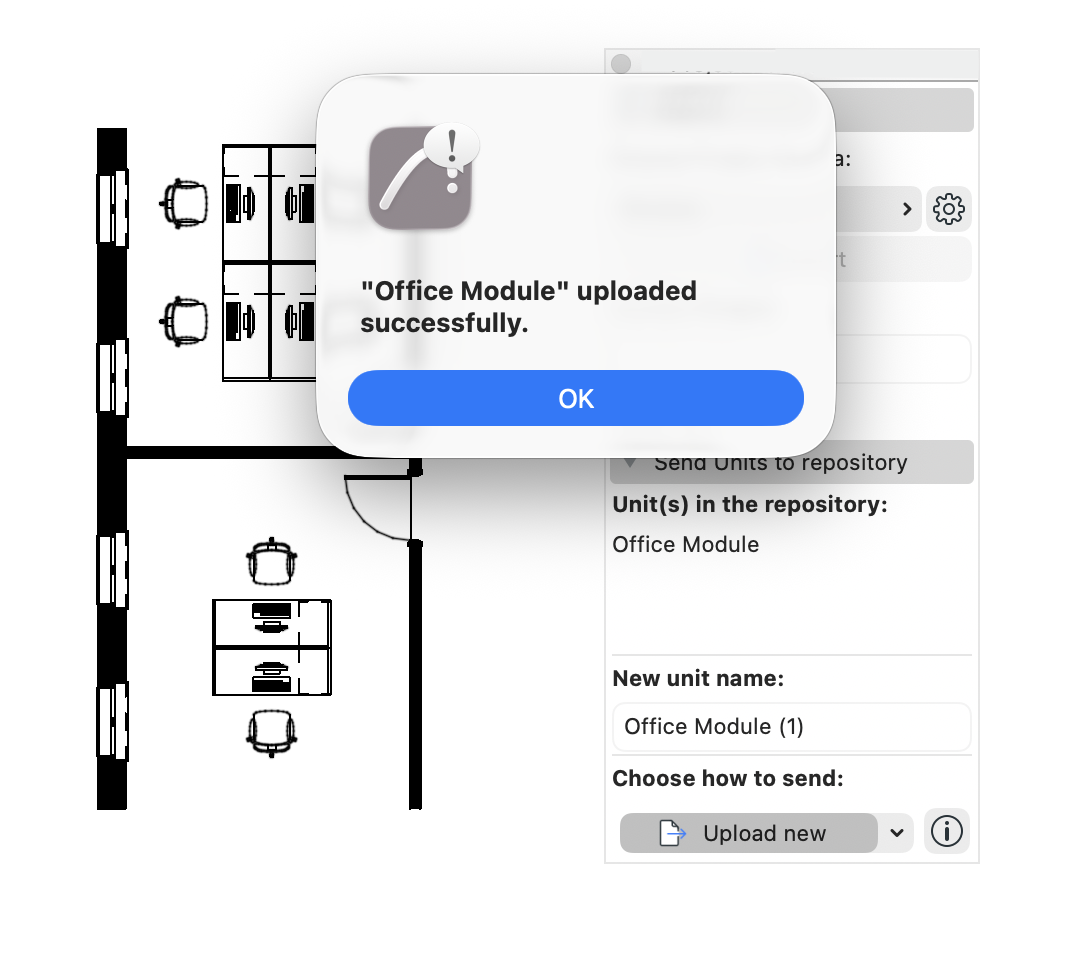
- Open File > Interoperability > Nemetschek Creator Connection
- Enter a clear name in the Unit name field.
- Click Upload as Unit.