Main Menu
Main Menu
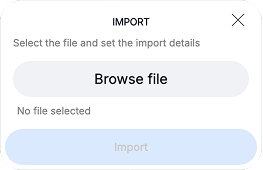
Click the Creator logo in the top menu bar to access the Project Hub, Settings, Keyboard Shortcuts, Unit Planner, Import, Export, Manage Categories, and Report an Issue.
- Back to Projects (Project Hub) — Return to the Projects page to open and manage existing projects or create a new project
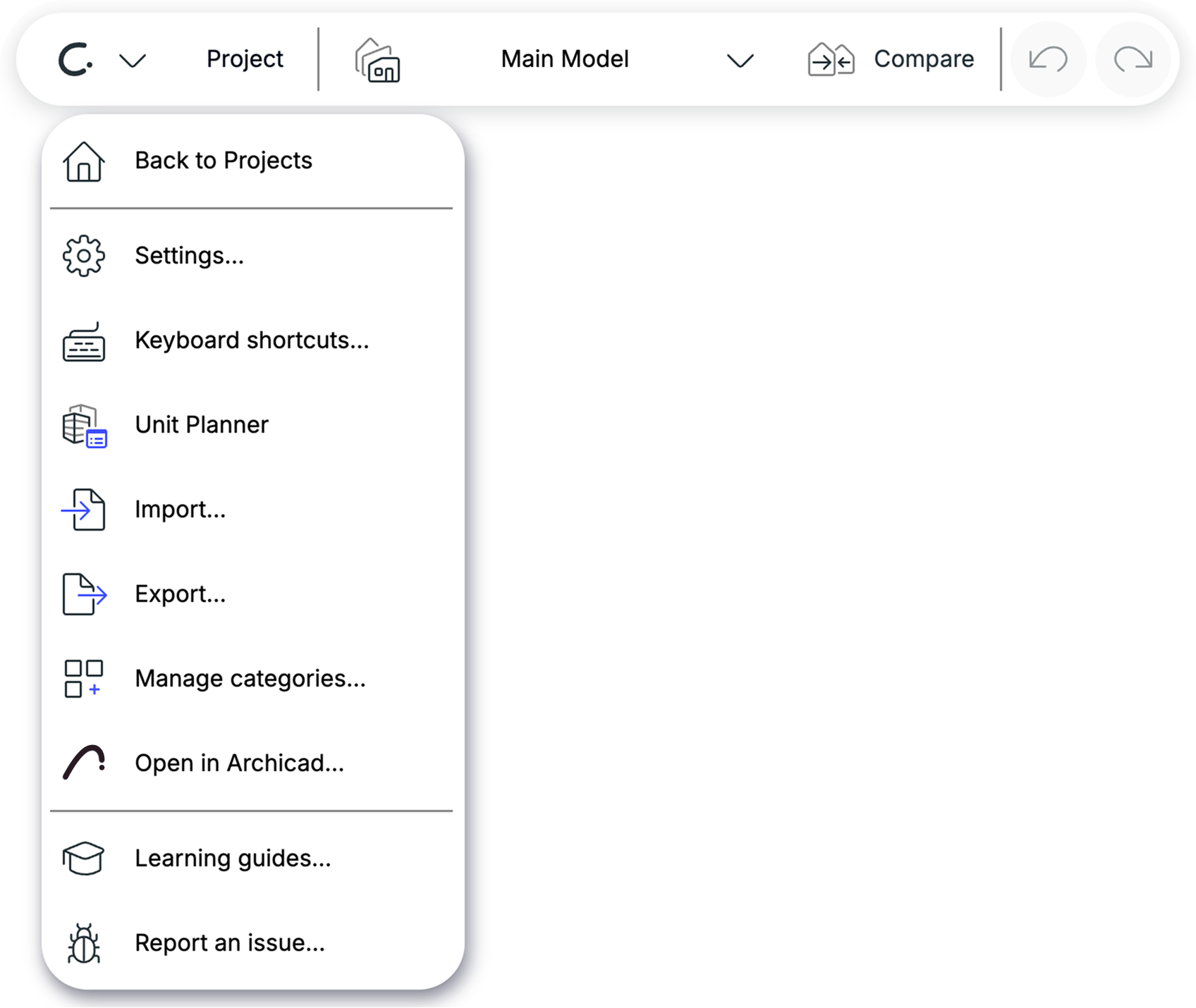
- Settings
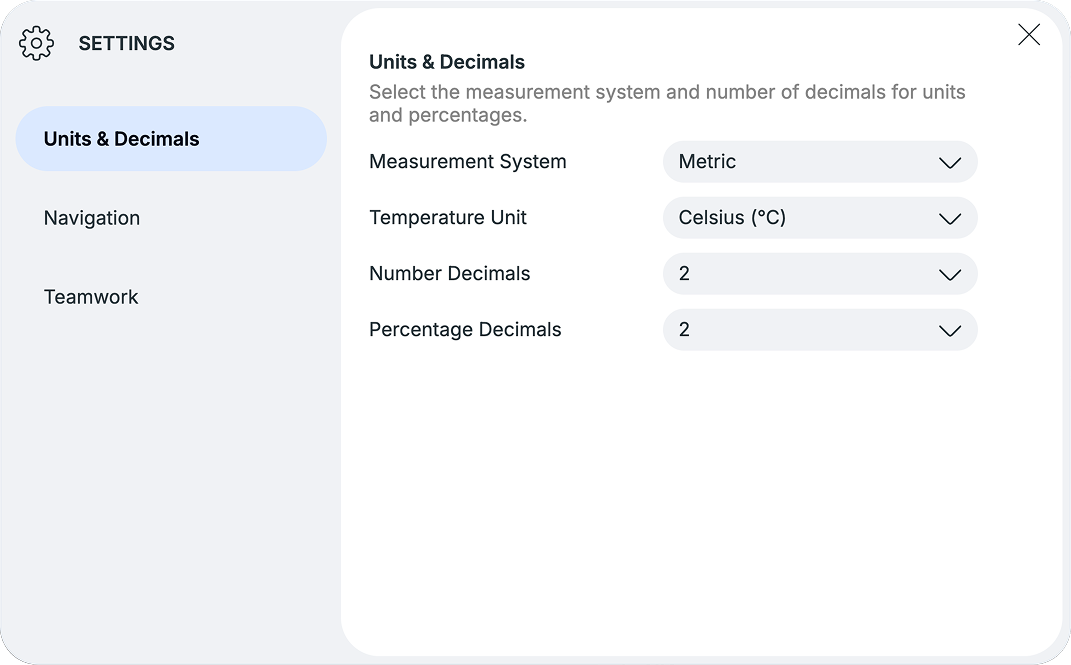
Units & DecimalsUnits & Decimals:Measurement systemMeasurement system— This setting allows users to switch between metric and imperial units. The selected system updates values throughout the entire application. UI values and input fields are adjusted accordingly. It can be switched at any time.Temperature unitTemperature unit— Choose Celsius (°C) or Fahrenheit (°F) for temperature values shown throughout Creator.Number of decimalsNumber of decimals— Sets the number of decimal places used for all displayed values and input fields. The application calculates in meters by default, and the decimal precision can be defined accordingly, down to the millimetre.Percentage decimalsPercentage decimals— Sets the number of decimal places used specifically for percentages across the interface and input fields.
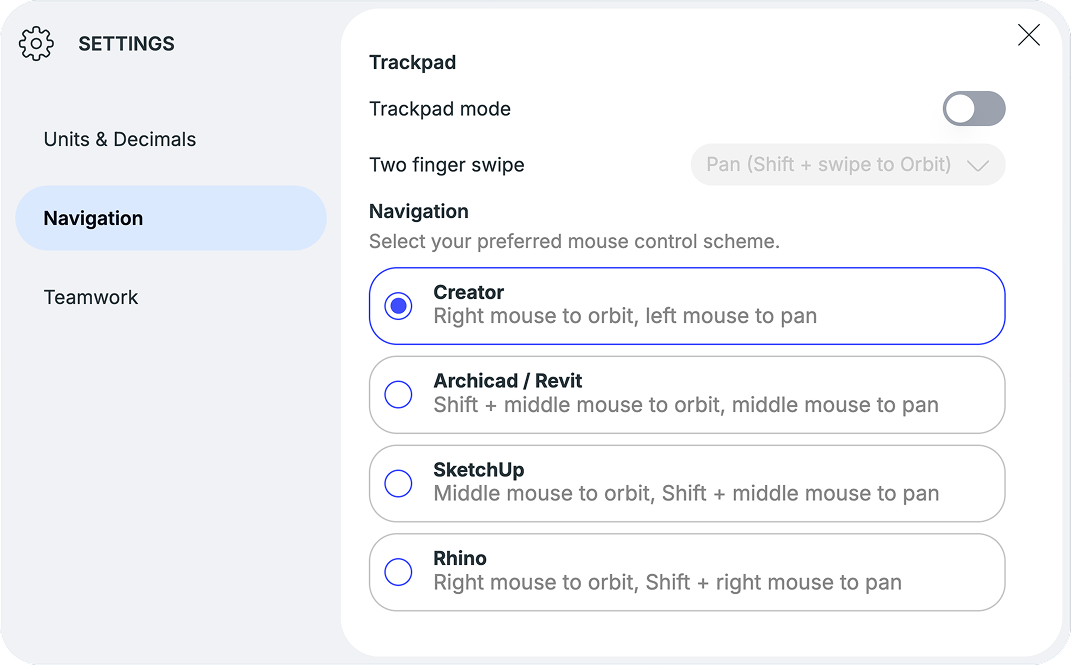
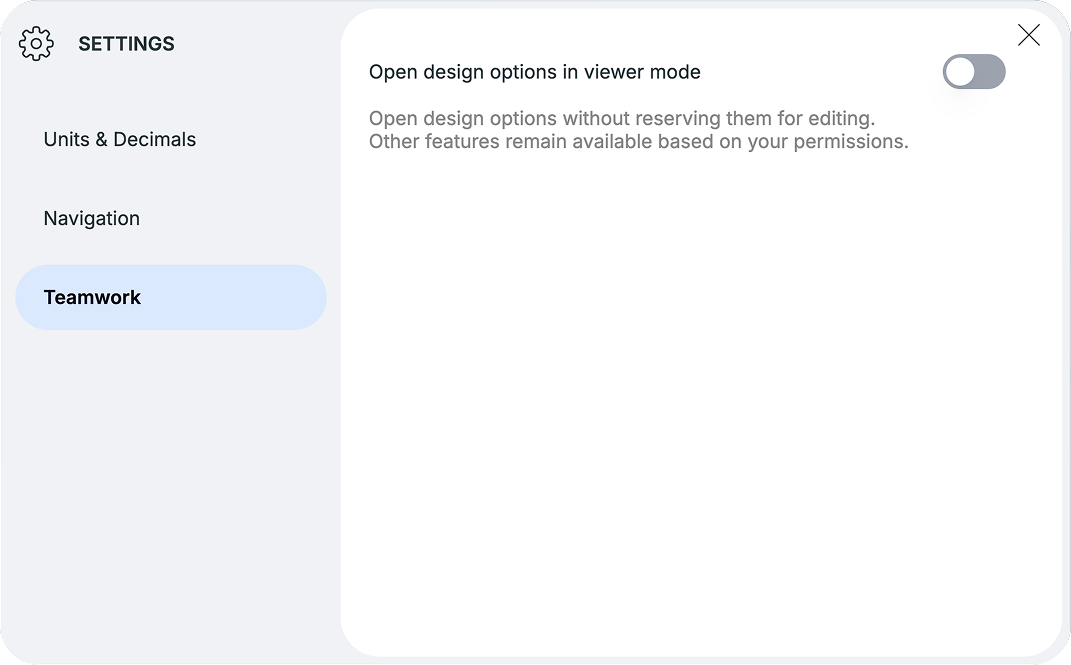
TeamworkTeamwork— Open Design Options in viewer mode: When this is on, Design Options open as view-only and Creator doesn't reserve them for you. You can review and compare options without blocking other members. While it's on, the Building Properties menu is grayed out. Turn it off to edit a Design Option.
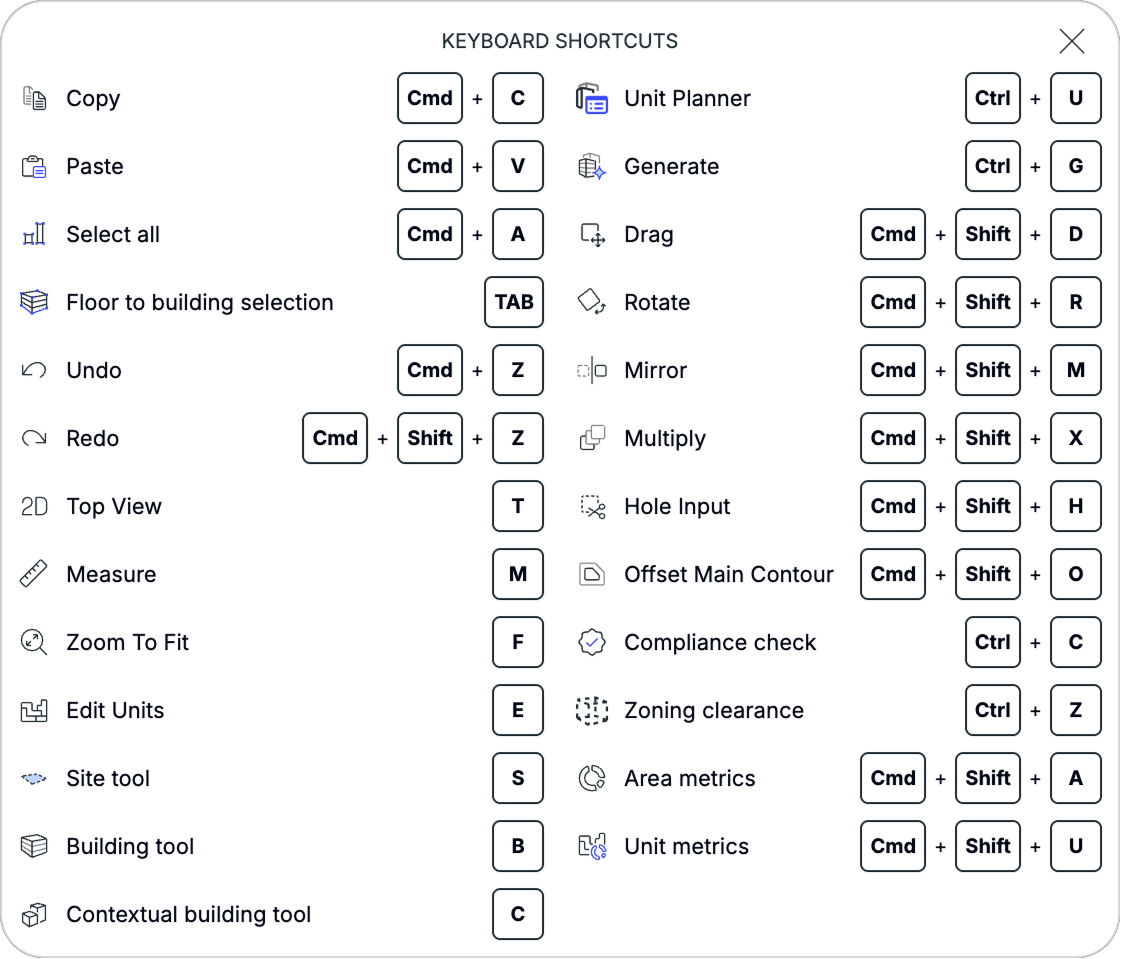
Keyboard ShortcutsKeyboard Shortcuts— View a complete list of keyboard shortcuts to speed up your workflow.
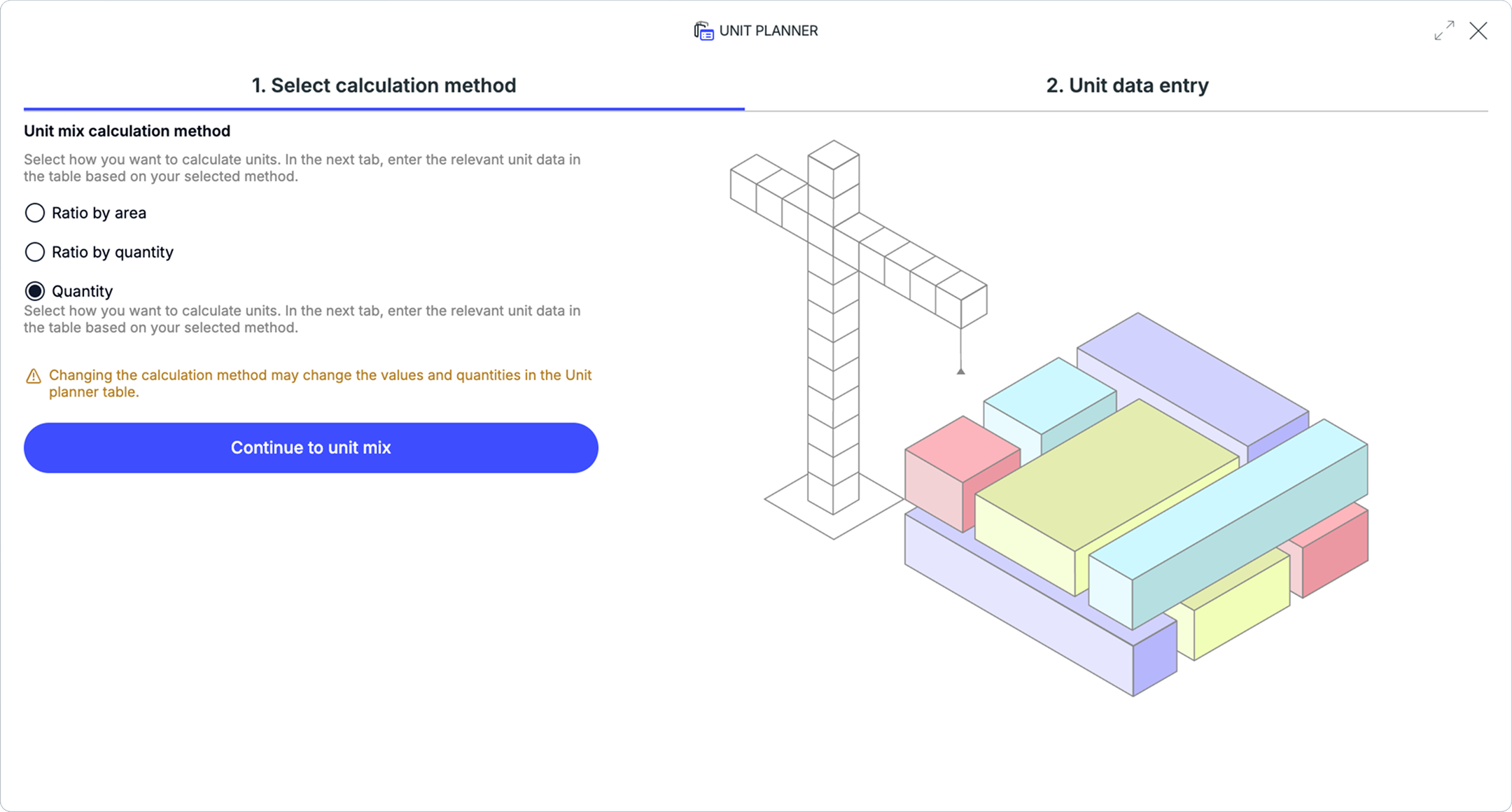
Unit PlannerUnit Planner— The Unit Planner is used for the mathematical planning of interior spaces. The Unit Planner interface is also accessible while working in the Main Model from the left-side toolbar.
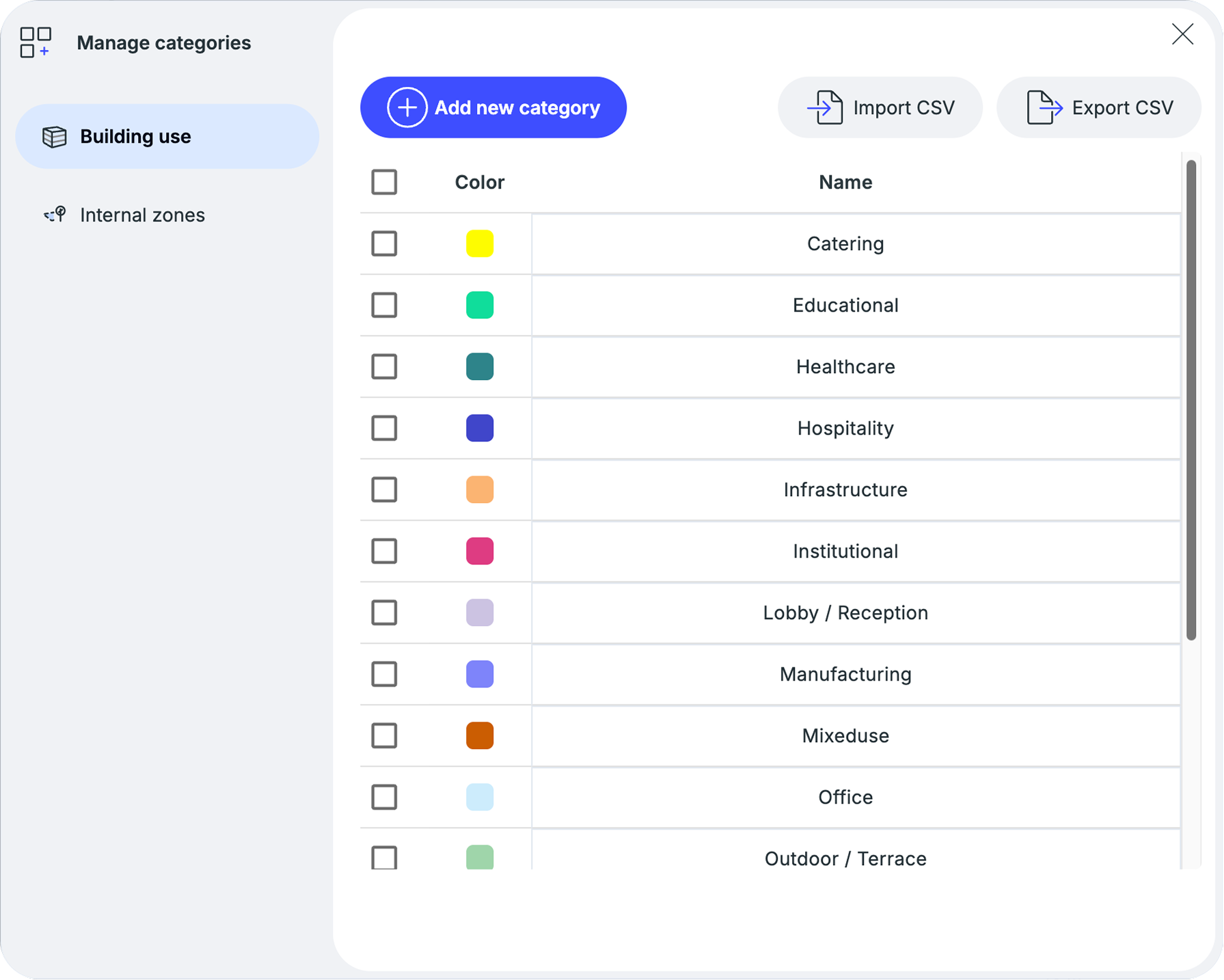
- Manage Categories — Create and manage categories for buildings, floors, and internal zones. You can add new categories or rename existing ones and customize their colors to organize your project.
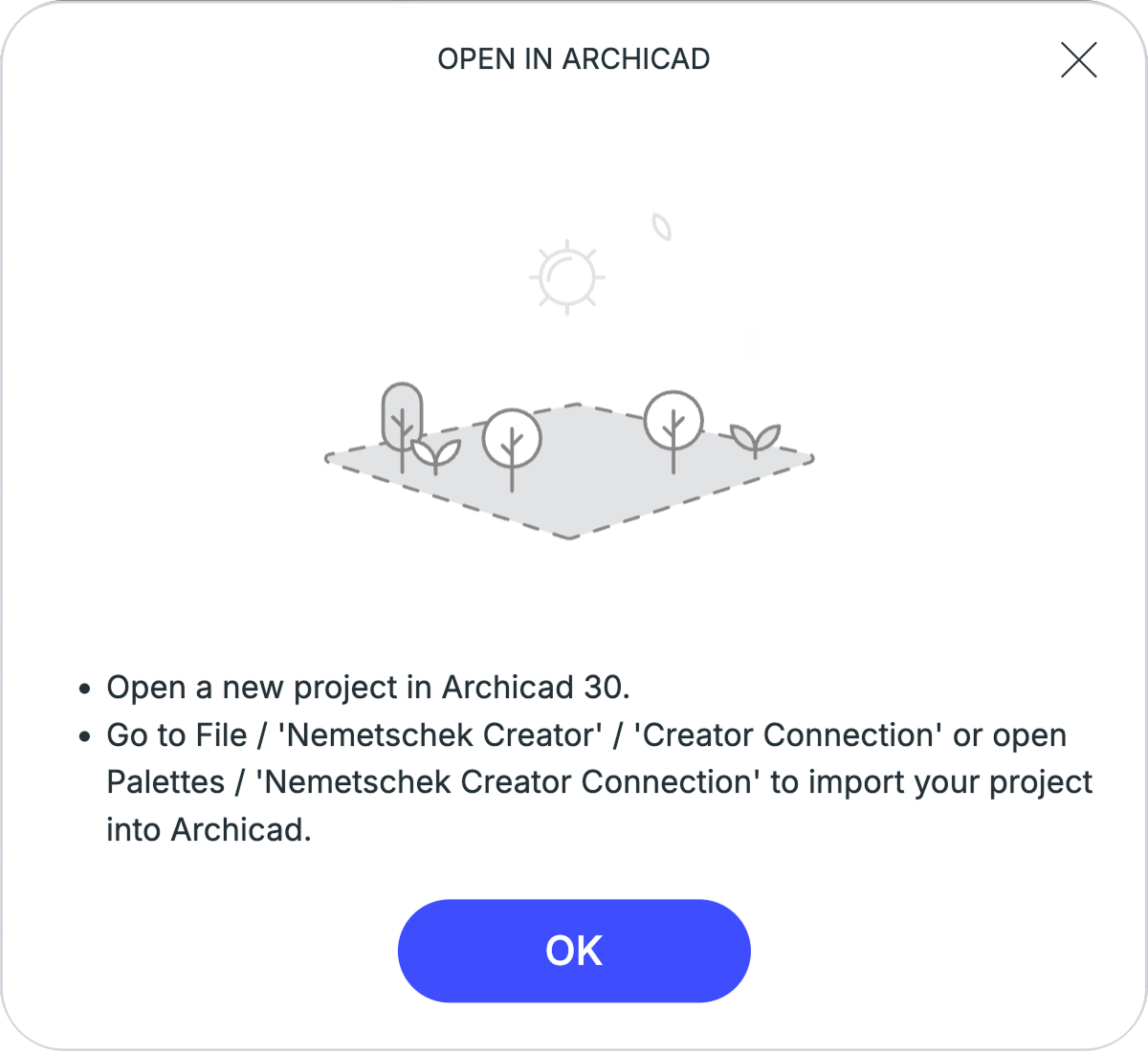
- Open in Archicad — Learn how to connect Creator with Archicad to integrate your workflows. For detailed instructions, see the Nemetschek Creator Connection section.
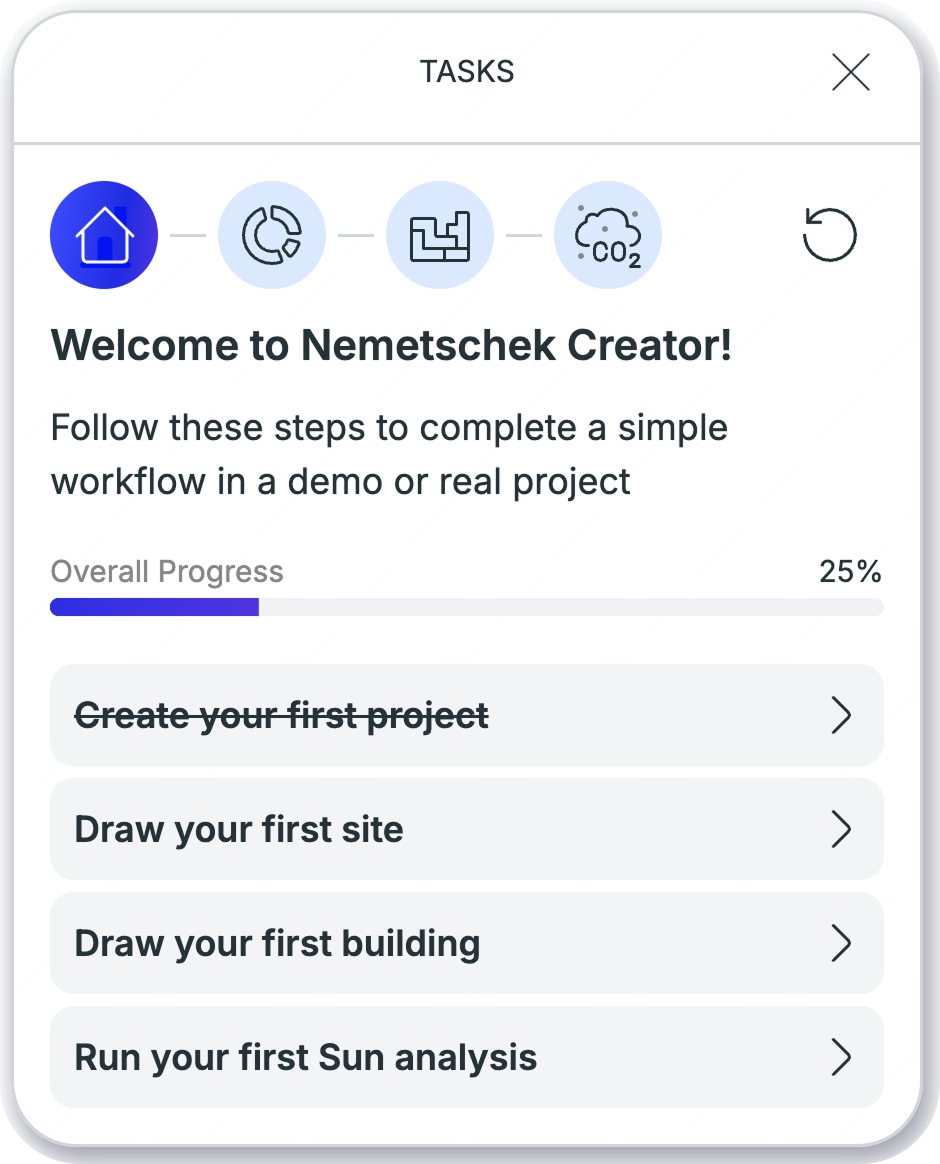
Explore interactive product tours that guide you through key tasks in Creator. Follow step-by-step instructions, watch tutorial videos, and see which tools to use as you learn the interface.
Report bugs, suggest new features, or share ideas for improvements by submitting a support ticket through our Support Site.