Opening Legacy or Archive Projects: Manage Library Parts
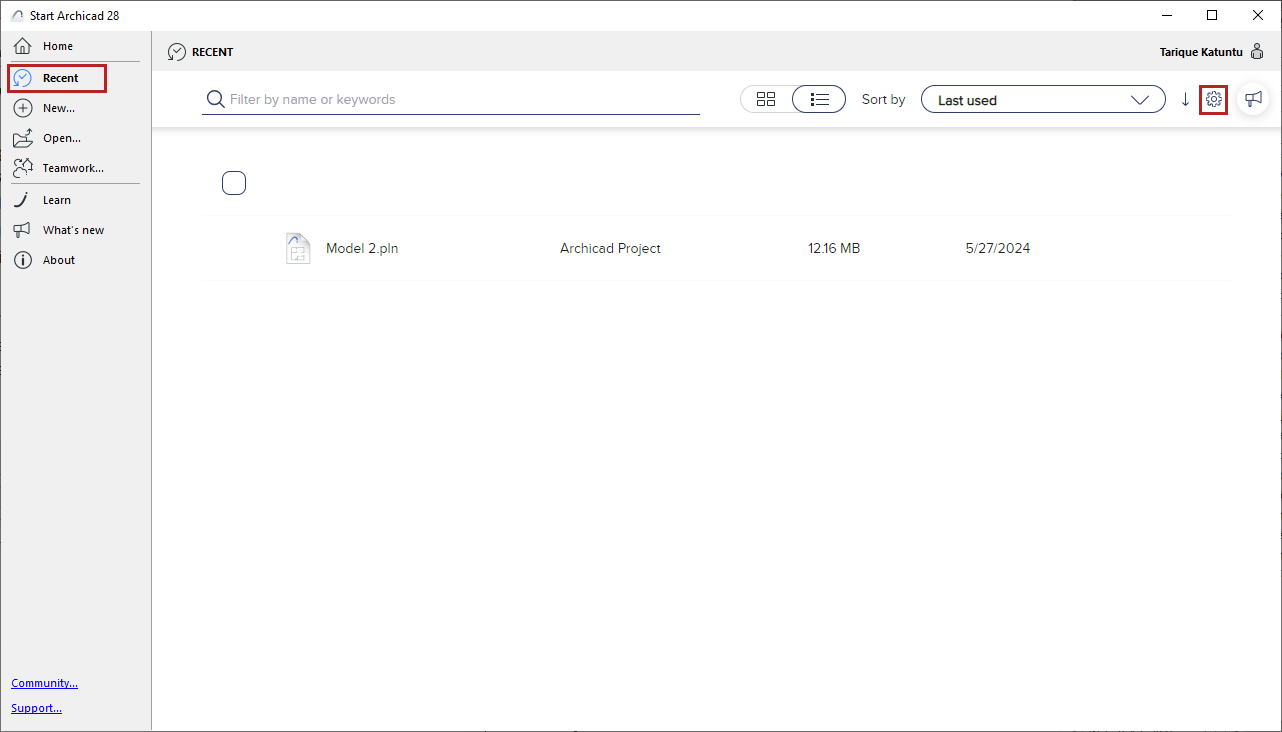
In the Start dialog, the Settings pop-up contains your preferences for handling Libraries and Library parts when opening Legacy (older versions 17 and up) or Archive projects.
Find the Settings pop-up in the Recent or View all recent projects menu under the username:
Note: To open the Start dialog, do one of the following:
-Open the Home screen
-Double-click the application icon
-Click the Starter application
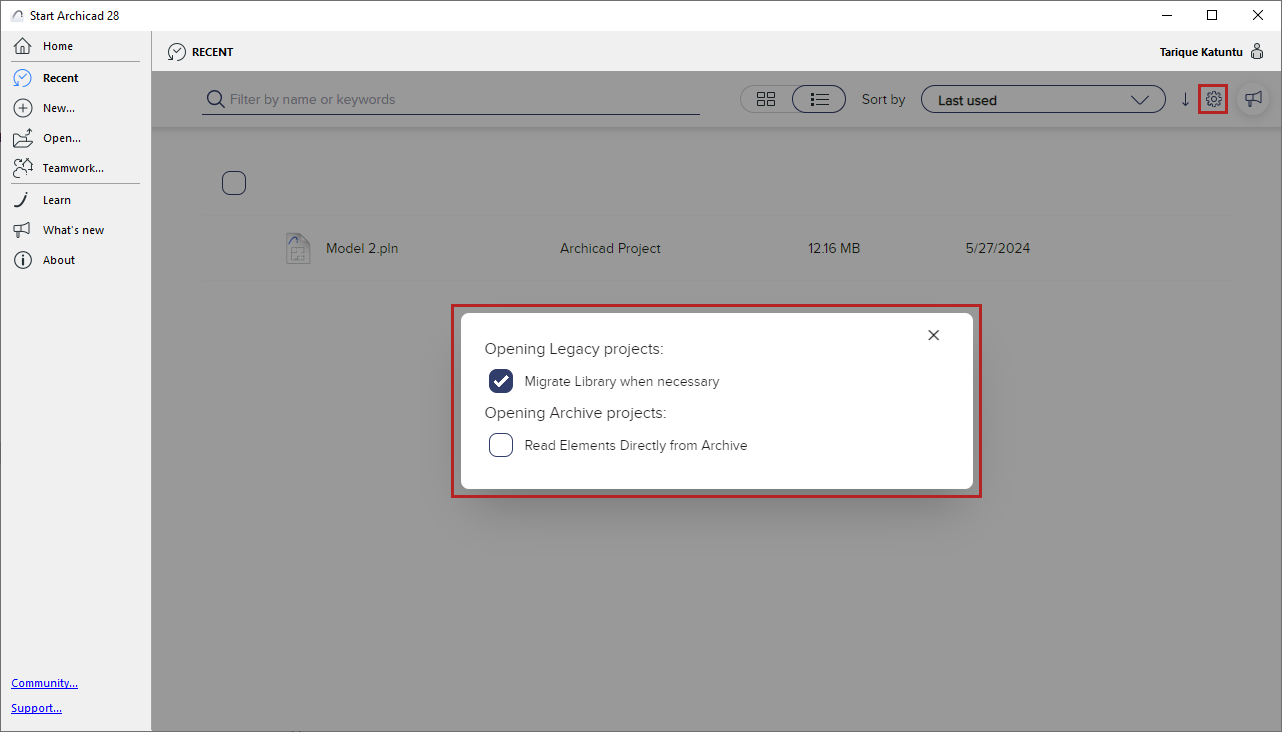
Legacy Projects: Migrate Library when necessary
With this setting, the migration process takes place in the background every time you open a Legacy project (older versions 17 and up), with no user input required.
Archive Projects: Read elements directly from Archive
This option affects the startup of Archive (pla) projects.
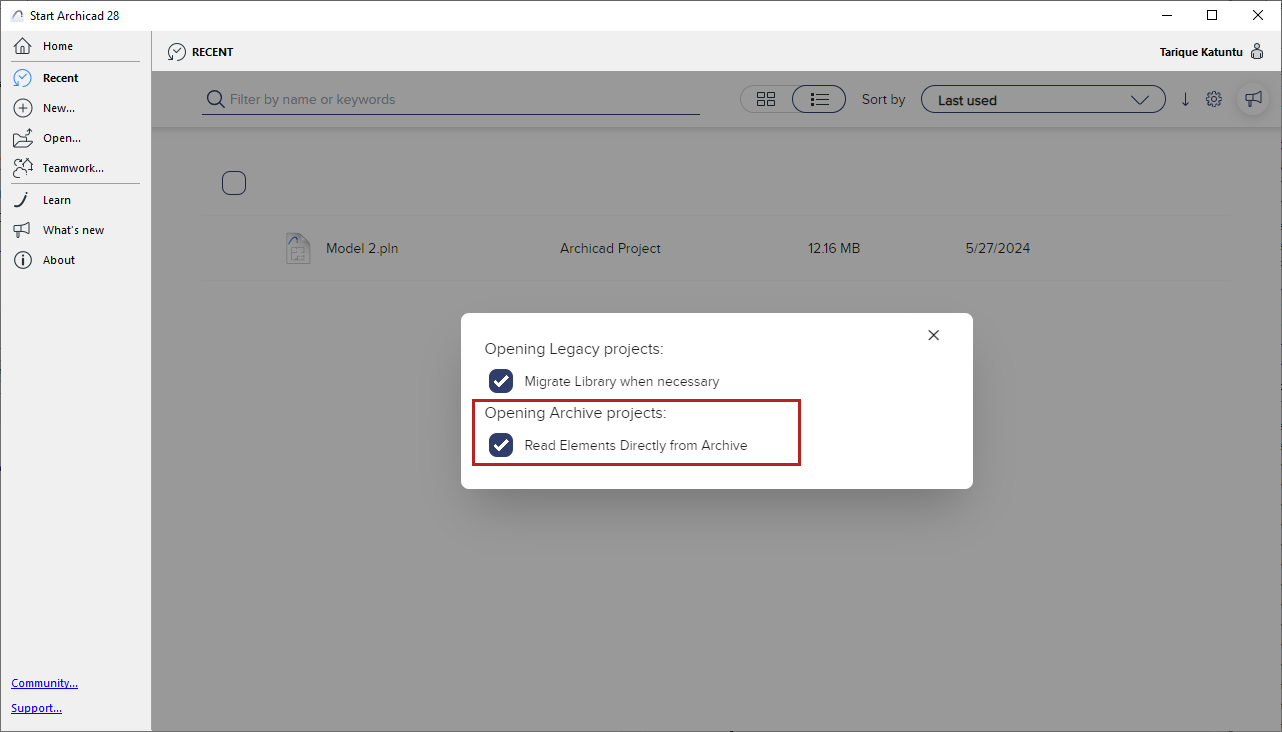
If you check this box, library parts are read automatically, with no user input required.
If this box is not checked: Each time you open an Archive file, the Open Archive dialog appears, where you must define how to handle the library parts.
See Open Archive Project to learn about these options.
To view information about possible Library-related issues, check the Libraries item in the Action Center (File > Info > Action Center).