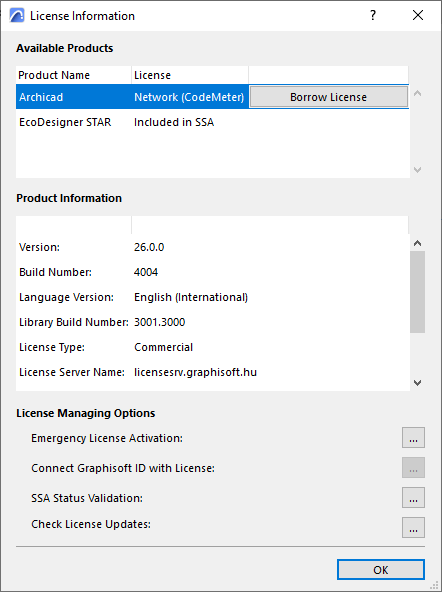
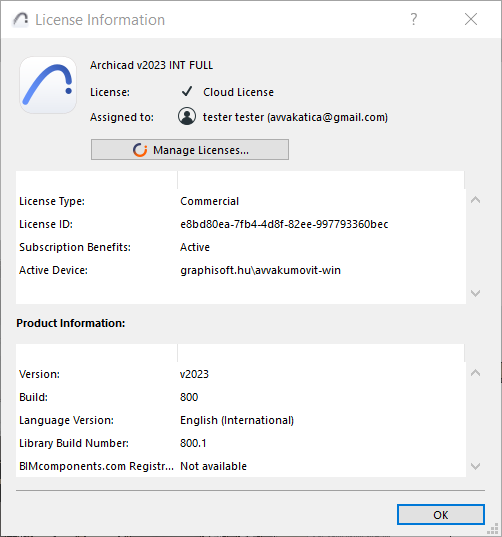
Use the License Information dialog box to see license-related information for products available to you.
Do one of the following:
•Click on Help > License Information
•From the Help > About dialog, click on License Information
•From the Action Center (File > Info > Action Center), select the Licenses item and click License Information
Available options depend on your license configuration. For cloud licenses, all license management functions are available on the Graphisoft account site (click Manage Licenses.)