Profile attributes are available for walls, columns, beams, or Library Parts.
Apply a profile to an element in element settings or from Profile Manager.
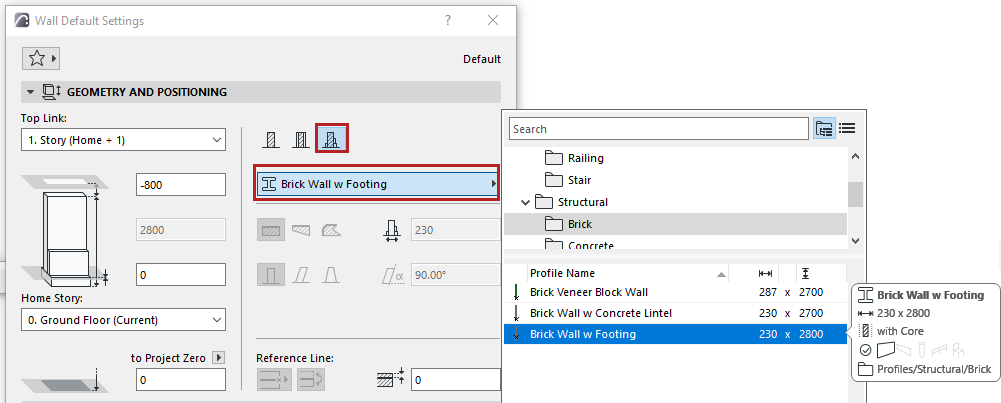
From element settings (wall, beam, column):
1.Open the element settings.
2.In the Geometry and Positioning Panel, click the “Complex Profile” icon.
3.Use the pop-up to select a profile.
Note: This pop-up lists profiles whose “use with” setting includes your element type: see “Use With” - define profile availability
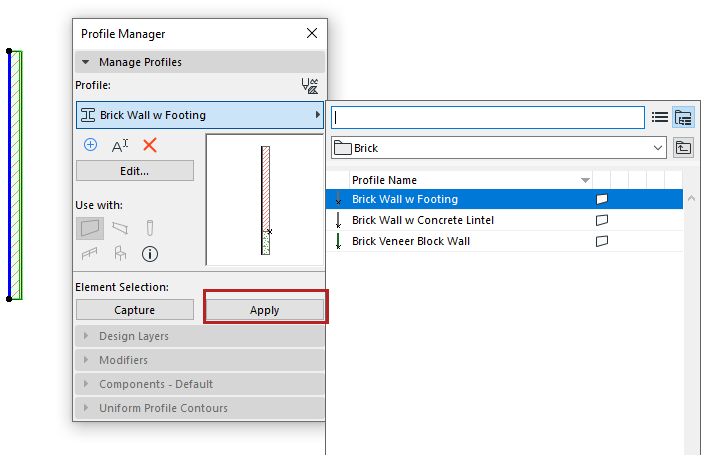
From Profile Manager
1.Select one or more element(s) in the model window.
2.In Profile Manager, select from the Choose Profile pop-up.
3.Click Apply.