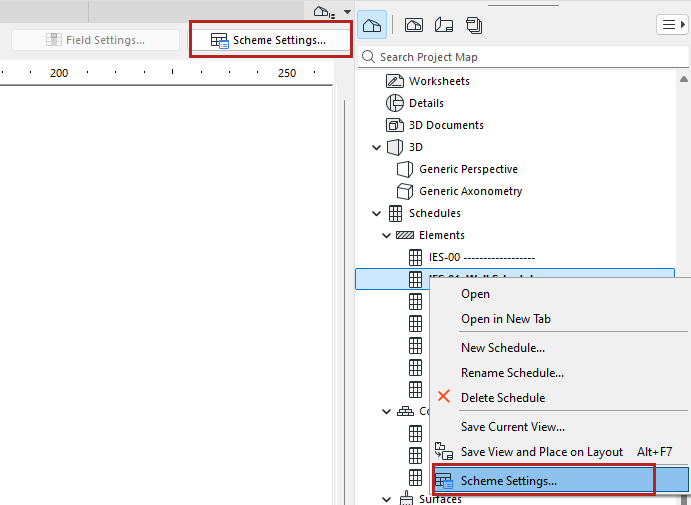
1.Open the Scheme Settings dialog. Do one of the following:
•Use the schedule’s context menu in the Navigator
•In the Navigator Palette, select a schedule, then click the “Settings” button at the bottom of the Navigator.
•Use Document > Schedules > Scheme Settings
•Click Scheme Settings from the opened schedule window
2.Click New.
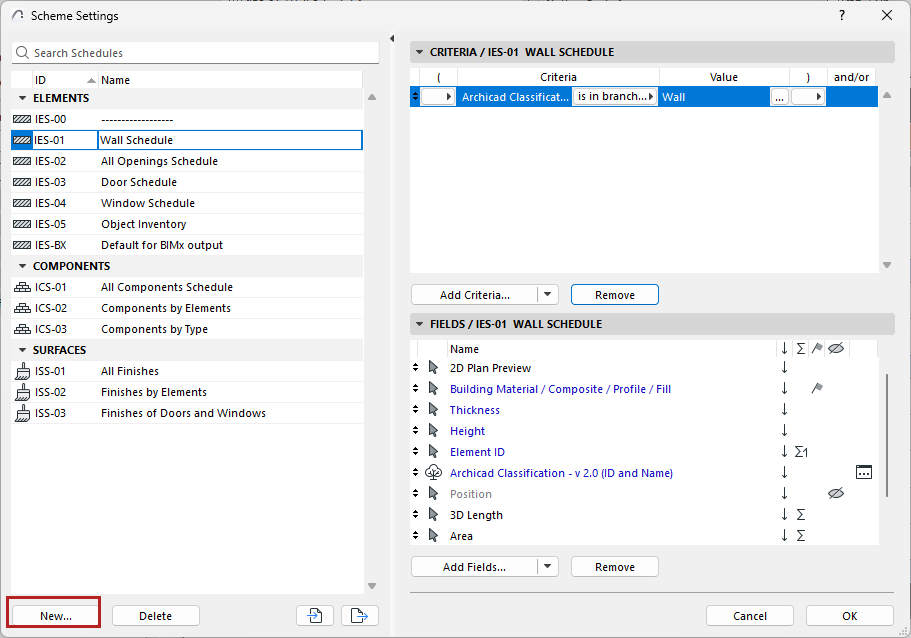
3.Enter an optional ID and Name.
4.Choose “Construction Elements,” “Components”, or “Surfaces”, depending on the type of schedule you are creating.
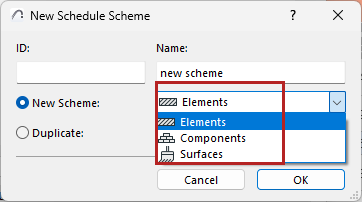
5.In Scheme Settings, set up Criteria and choose Fields to define what the schedule should list.