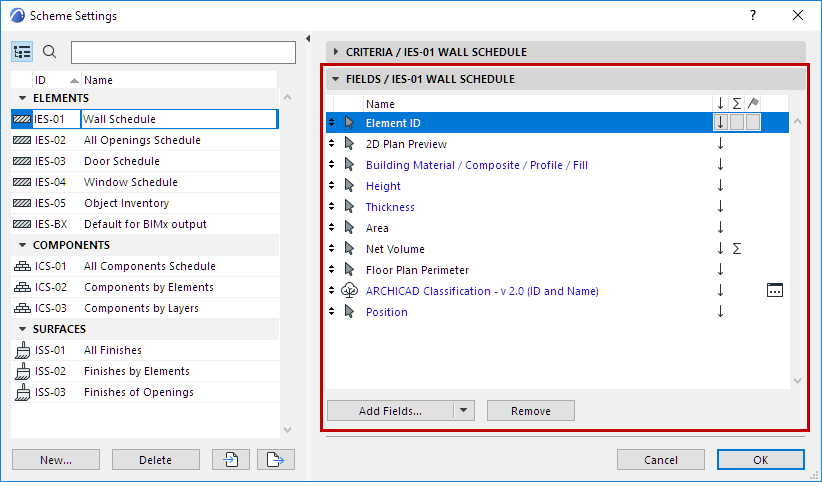
Add Fields: Which data do you want to list?
Choose the parameters to list as fields of the schedule.
Note: The list of available parameters in MEP Designer is optimized for MEP projects. You can list data for MEP elements, Zones, Openings, and 2D elements.
1.Open Scheme Settings
2.Add Fields: Click to access a searchable list of available parameters and properties.
The list depends on the type of schedule, and may include General parameters; specific parameters related to Component and Surface lists; and Properties.
3.Double-click a field to add it to the list. (Alternatively, click Add or press Enter.)
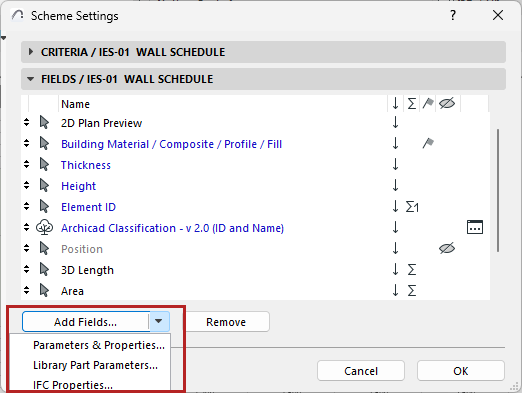
See also Additional Criteria and Fields: Library Part Parameters and Define Element Criteria using IFC Data
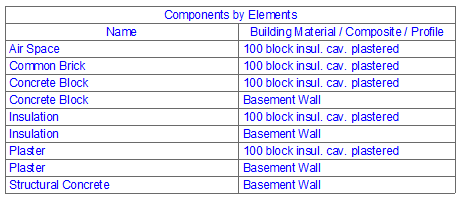
Keep Components together in the schedule
This checkbox is available in the Scheme Settings of component-type lists (see Component Data in Archicad).
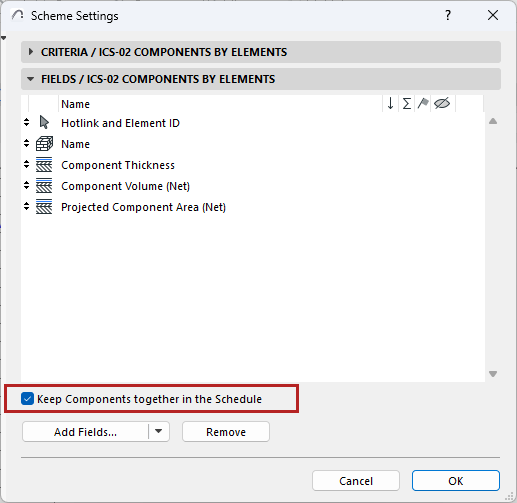
•If you check the box, components are always grouped together, corresponding to the element they belong to. (For composite elements, these fill components are listed in the same order as in Composite Settings.)
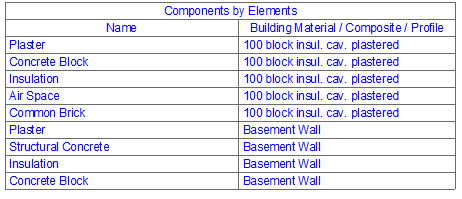
•If you leave it unchecked, components will be listed according to the Scheme Settings (e.g. ordered by name rather than by element).
For information on using Properties, see: