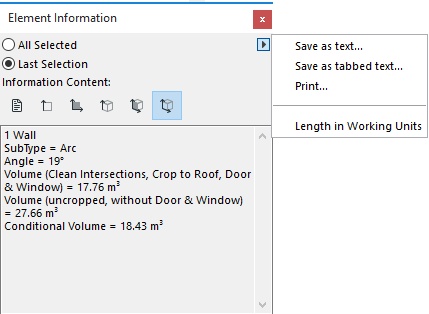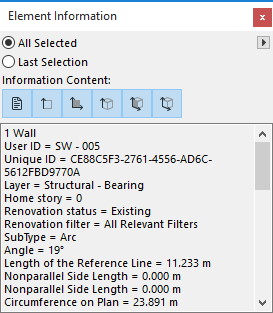
The Element Information Palette displays information (e.g. properties, dimensions) of element(s) selected on the Floor Plan. (Use Window > Palettes > Element Information to display it.)
Choose either All Selected or Last Selection to define which selected elements should be considered.
The Information Content buttons in the top section of the palette define what information will be shown. If none of the buttons is active, only the number and type of the selected elements is displayed.
The six buttons display, from left to right:
•Classifications and Properties
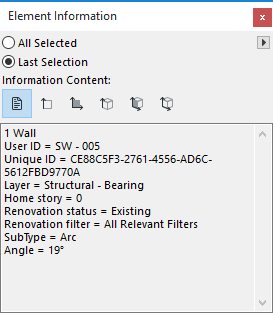
•Length, circumference and thickness values
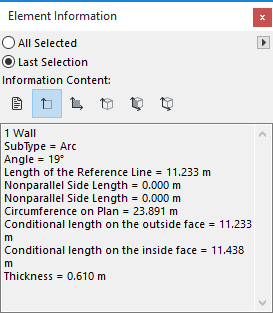
•Area values
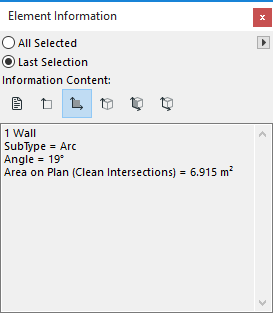
•Height values
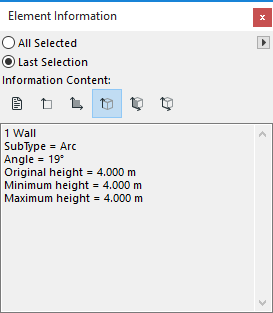
•Surface area values
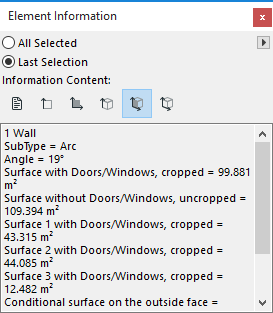
•Volume values
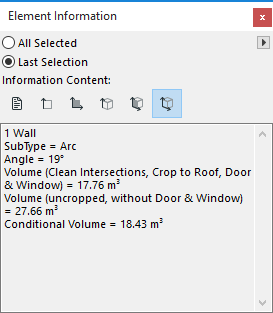
Use the pop-up commands in the top right corner of the palette to save or print the data shown.