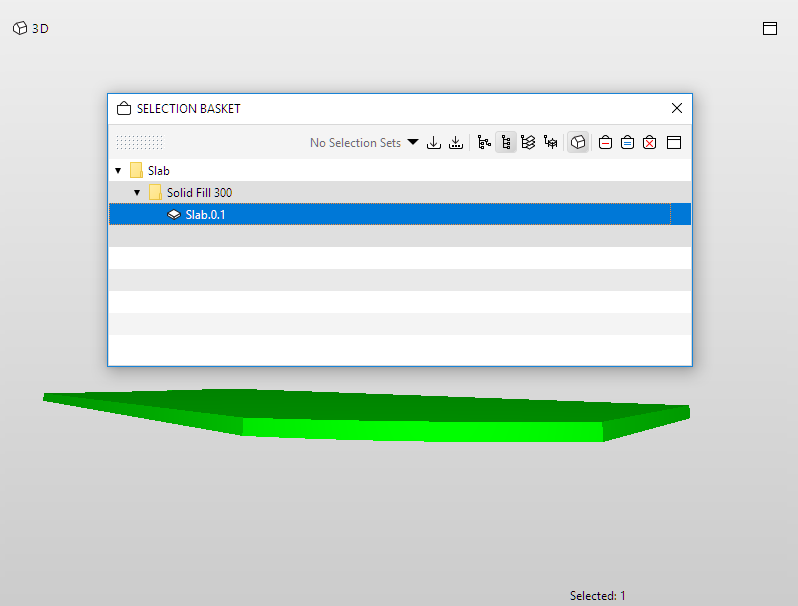
When you find components that need to be fixed in Solibri, use Get Selection Basket to easily select them in MEP Designer.
1.In Solibri, add elements to the Selection Basket.
2.In MEP Designer, click Get Selection Basket.
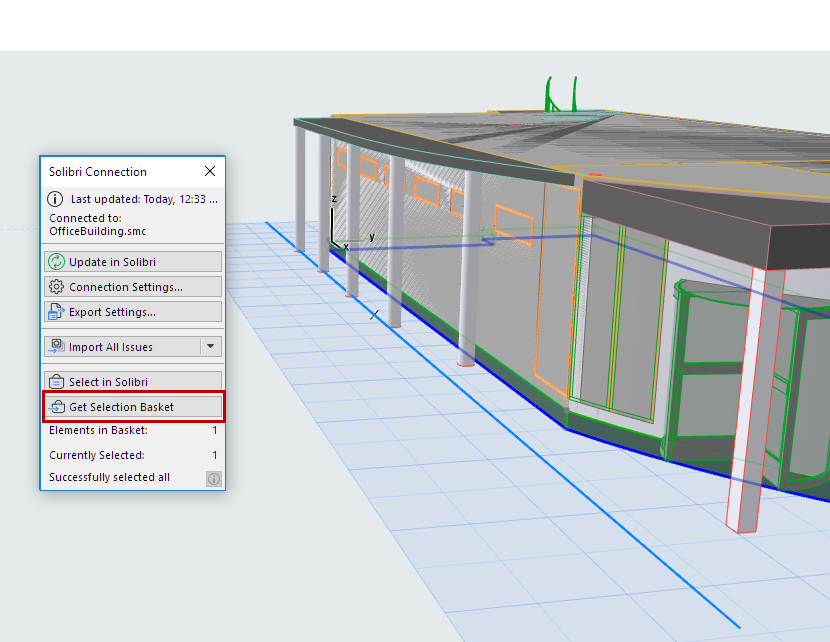
All components in the Selection Basket will be selected in MEP Designer, provided that they are visible in the current view.
Note: You can also opt to include the Camera position of the view. (With Solibri versions 9.12.1 and up only.)
The Solibri palette gives you feedback on
•the number of elements in the Selection Basket
•the number of elements currently selected in MEP Designer
•whether any elements are not visible in MEP Designer, and therefore cannot be selected.