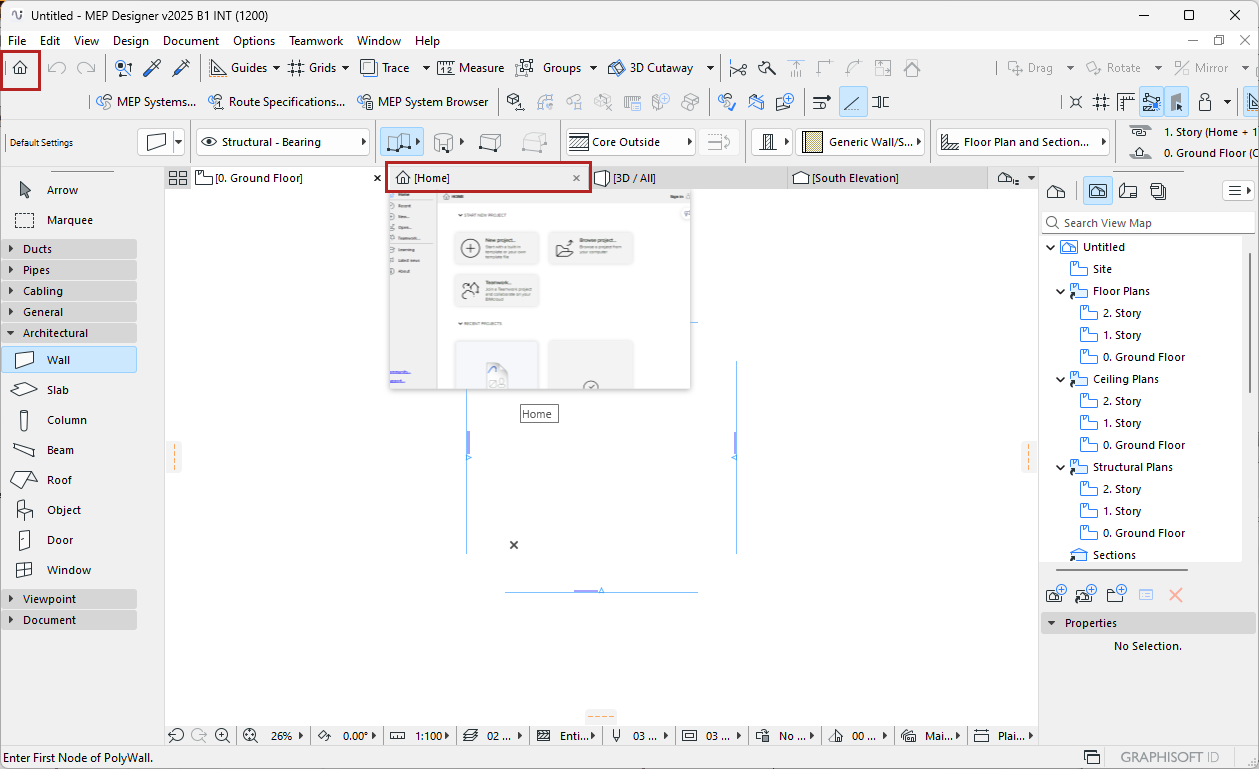
Home screen
The Home screen is your go-to starting point:
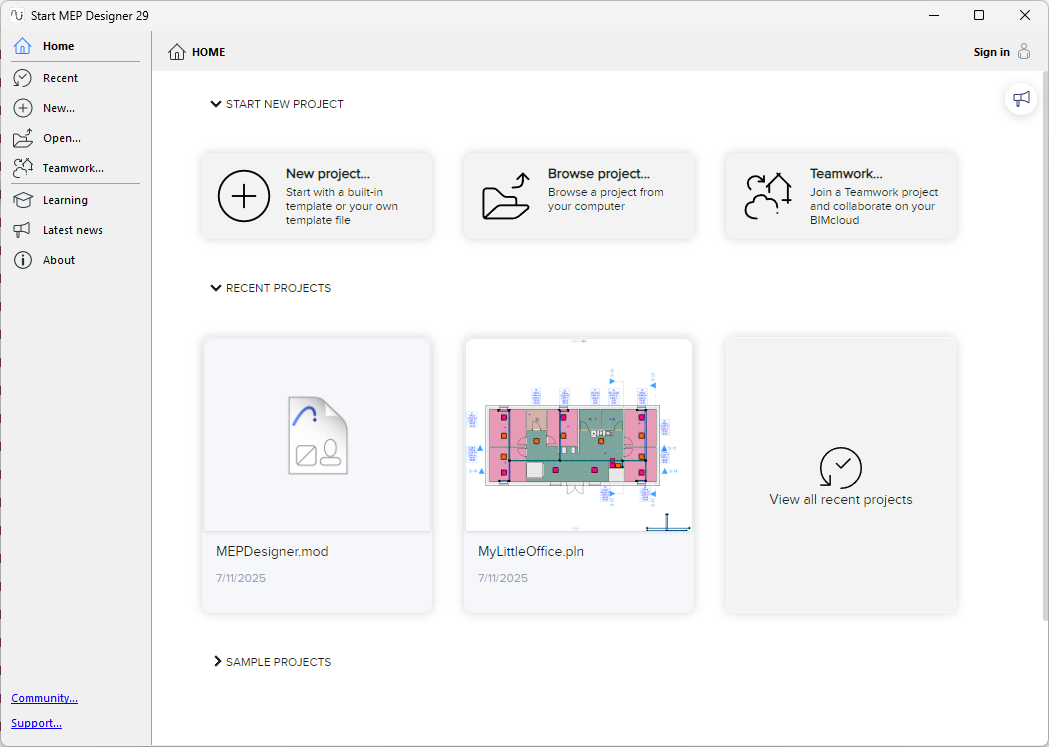
- Get started: Create new project or open existing project
- Join or open a Teamwork project through BIMcloud
- Quickly find recently used projects, sample projects, learning material, news, and more
- Get a complete snapshot of what's important, including product and update information
The Home screen opens when you start the program, but you can access Home anytime: Click icon from Standard toolbar (or File > MEP Designer Home) to open Home as new tab.