Browse for a Project
Do one of the following:
- From a running program: Use File > Open > Open
- From the Start dialog or Home screen, click Browse project
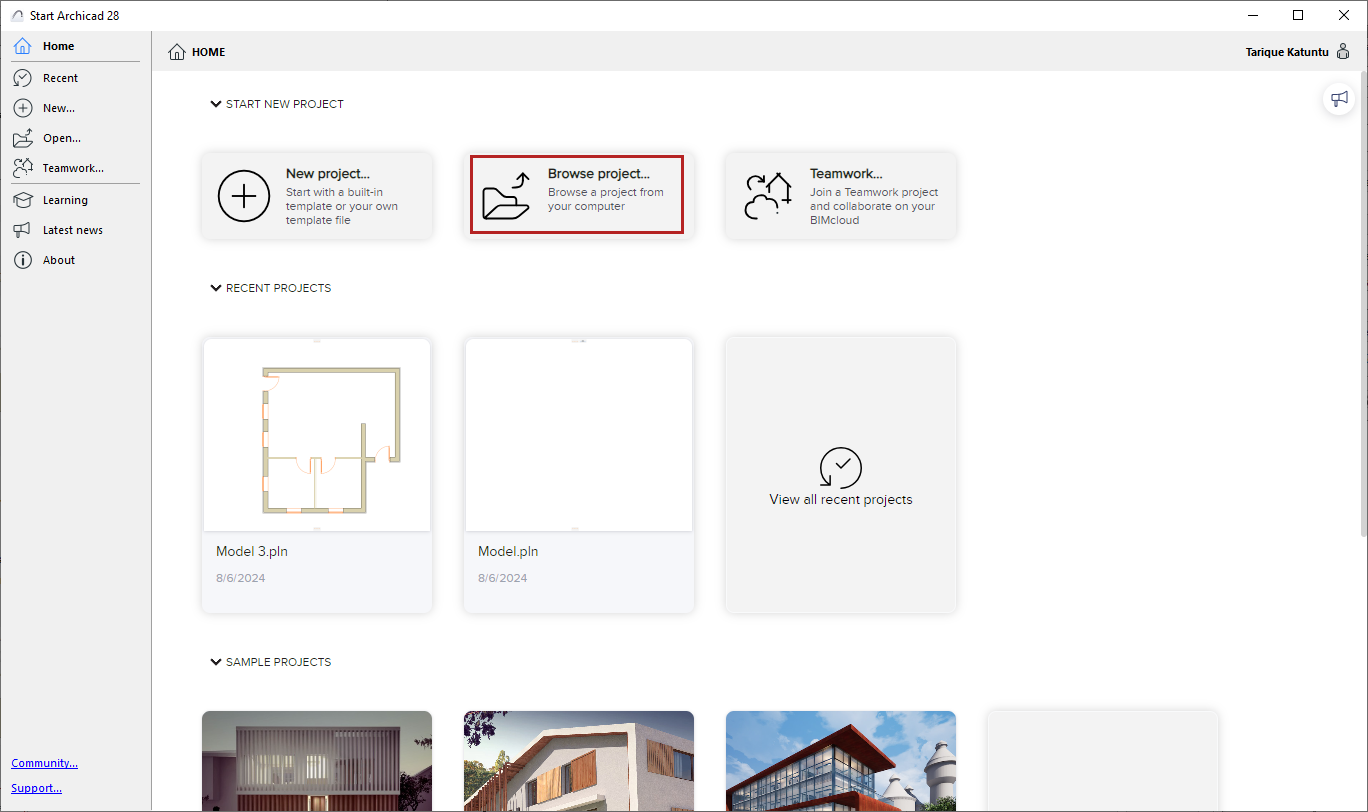
To open the Start dialog, do one of the following:
Browse for a project, then click Open.
Launch a new instance of the program