Redefine Favorite
Based on Selected Element:
- Select one element from the model.
- Select a Favorite (whose settings you want to change) from the Favorites Palette. (The Favorite must be the same tool type as the selected element.)
- Right-click the Favorite and choose Redefine.
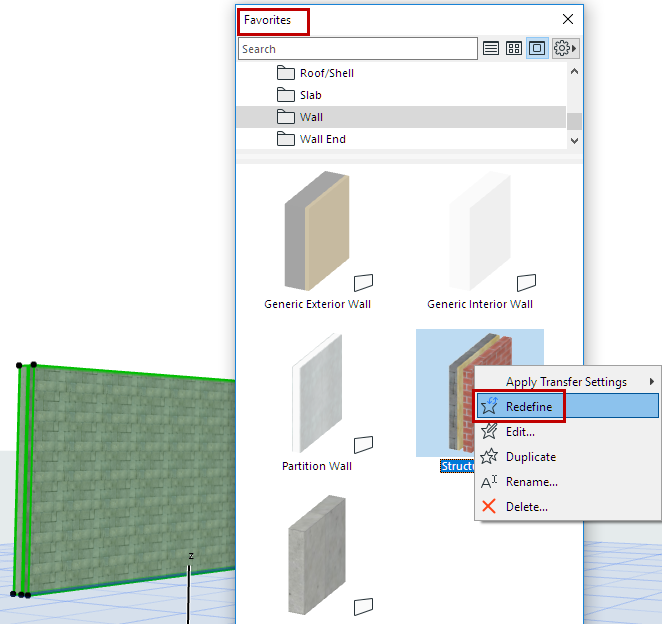
This Favorite is now redefined based on the selected element.
In Tool Settings:
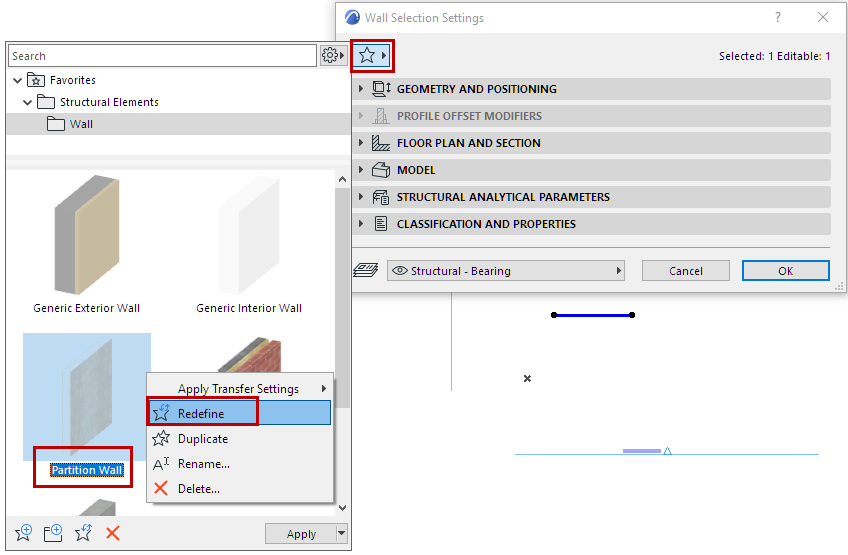
Use this method to redefine the current default or selected Tool Settings.
- Click the Favorites (star) button to open the Favorites pop-up.
- Right-click a Favorite and use Redefine from the context menu.
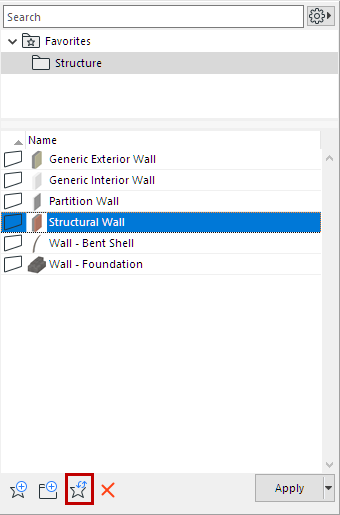
With an element selected: Select a Favorite and click the Redefine command icon.
For general information, see Favorites.