Use this to replace the current surface with a surface imported from the Catalog.
- Open Options > Element Attributes > Surfaces
- Click the New... button
- Choose New from Catalog
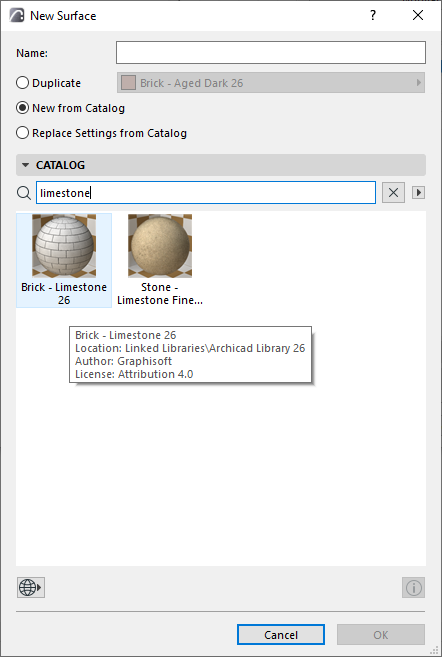
- Browse or search the catalogs to choose a surface.
See Search for surfaces in catalog.
- Click OK.
- The new surface attribute is added to your project
- Any associated texture file is added to your Embedded Library, and any fill (vectorial hatch) is added to the project’s fill attributes.