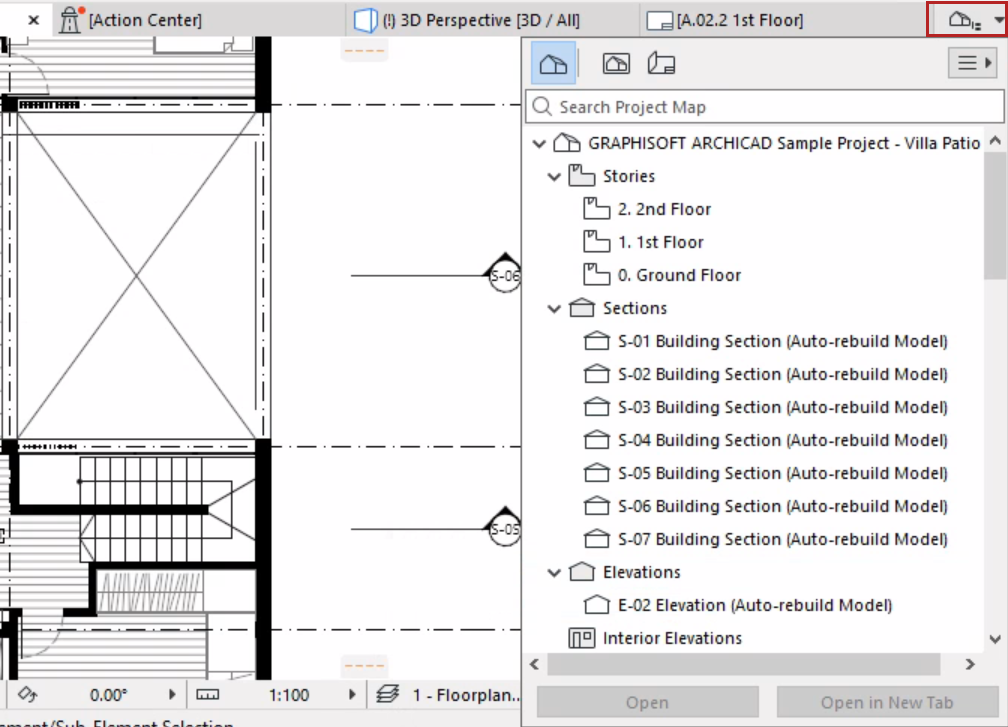
The pop-up Navigator is pared-down version of the Navigator Palette,
available in pop-up form at the right edge of the Tab bar. You can use this instead of the
Palette to save screen space.
The pop-up Navigator contains the Project Map, View Map and Layout Book
(but not the Publisher).
Access Pop-up Navigator
click the icon at the right end of the Tab Bar
or click Ctrl/Cmd + Shift + N
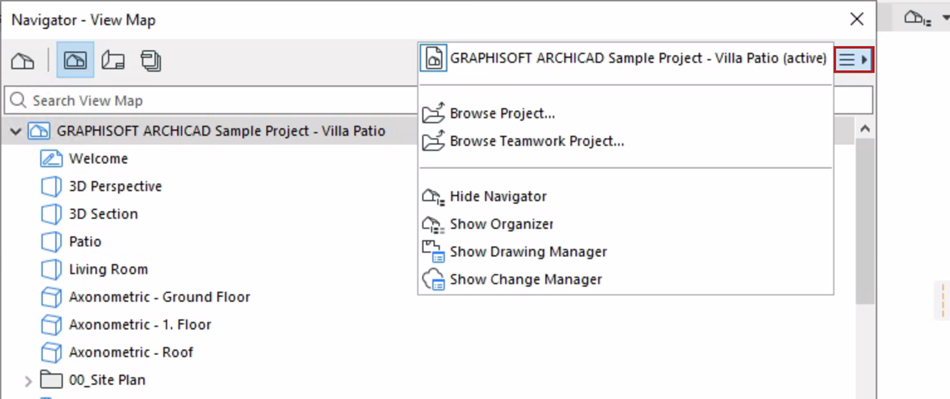
Show/Hide Related Dialogs
Use the Chooser pop-up to show or hide the Navigator palette and related
dialogs: