Placing Holes in Slabs
You may need to make holes in Slabs to accommodate objects such as staircases, or for an open atrium space.
- Select the existing Slab.
Figure 1. First Select the Existing Slab 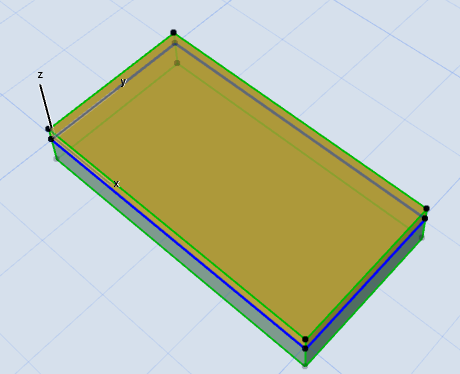
- With the Slab tool active, draw a new contour within the Slab’s boundaries.
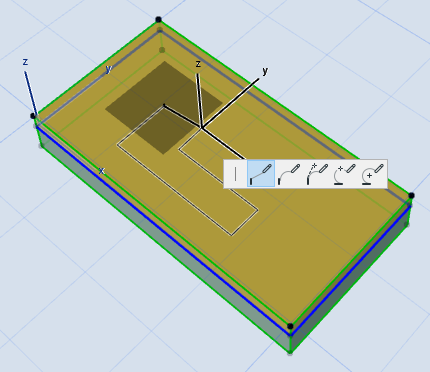
- This new contour will be interpreted as a hole in the Slab.
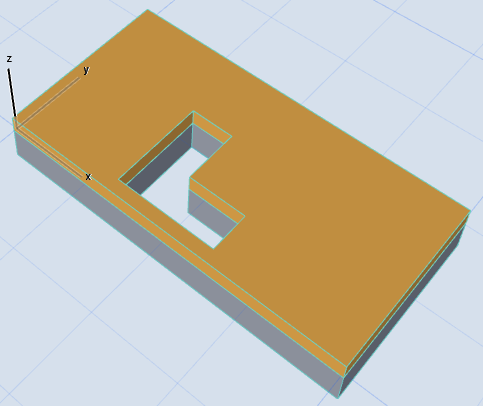
See also Selecting Slab Hole.