Winder Types for Equal-Going Winders
In Stair Settings - Geometry and Positioning Panel:
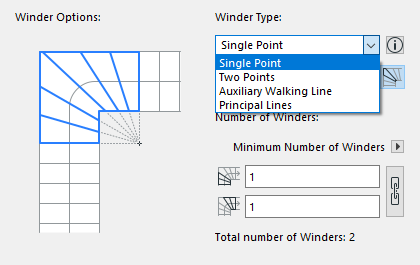
- Choose one of four types of Equal-Going Winders from the pop-up:
Single Point, Two Points, Principal Lines, and Auxiliary Walking Line.
- Click one of the three icons to set how to distribute the treads at
the turning point, where the winder axis intersects the walking line:
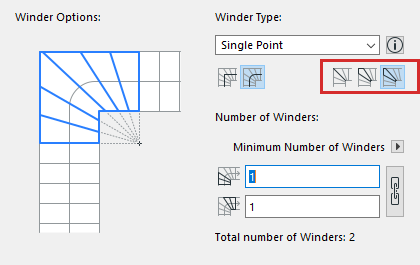
- Riser: place a riser at the turning point
- Symmetric Going: a tread is halved at the turning point
- Asymmetric Going: no restrictions on tread placement
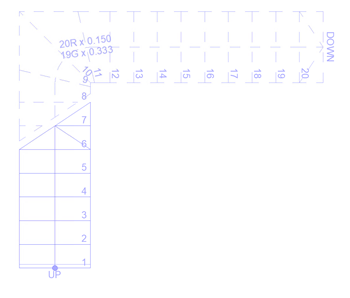
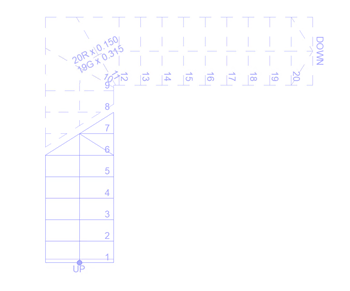
See the following illustrations:
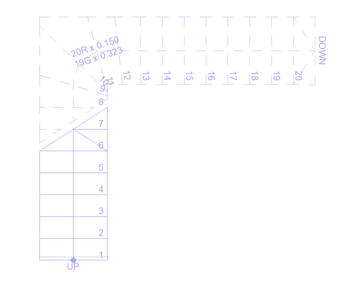
Winder Segments
In case of a Winder Segment, the midpoint of the Winder part of the walking line is considered the starting point of the Winder.