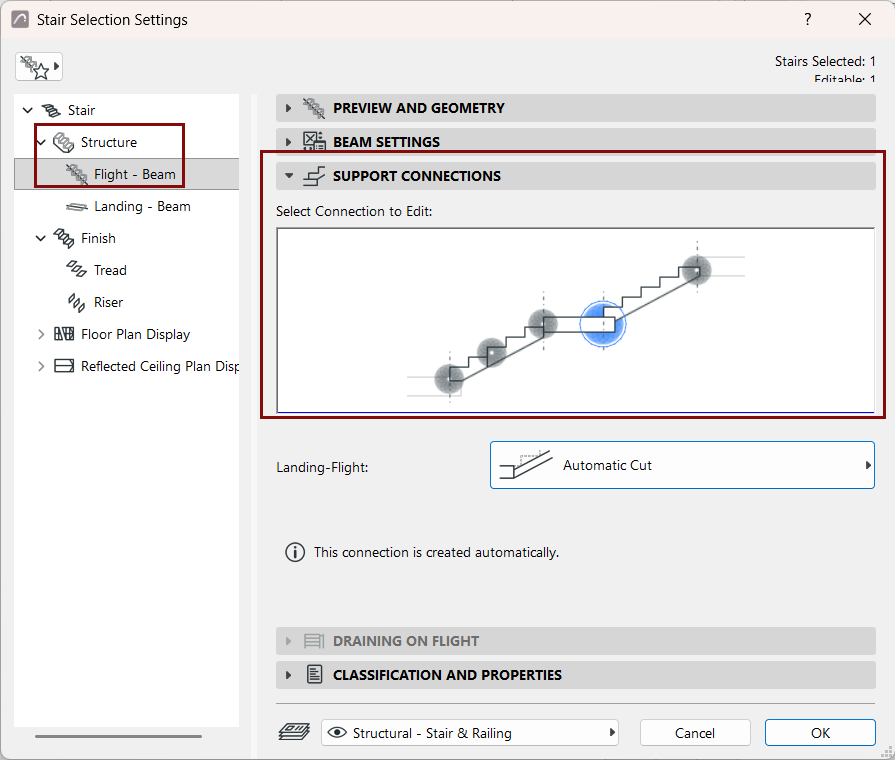
However, you can use Stair Settings (Flight Structure):
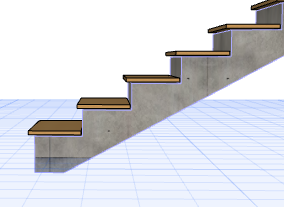
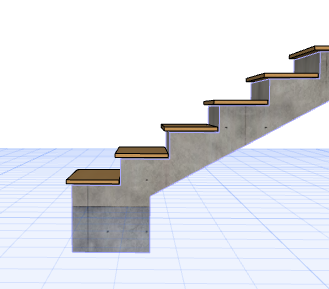
to define the endings of Stair structures
to create connections between a Stair’s Flights and Landings. You can
use different connections within a single Stair.
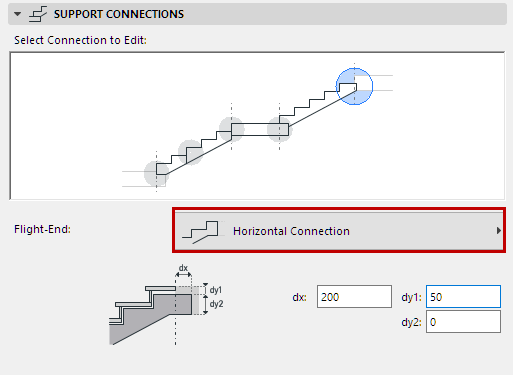
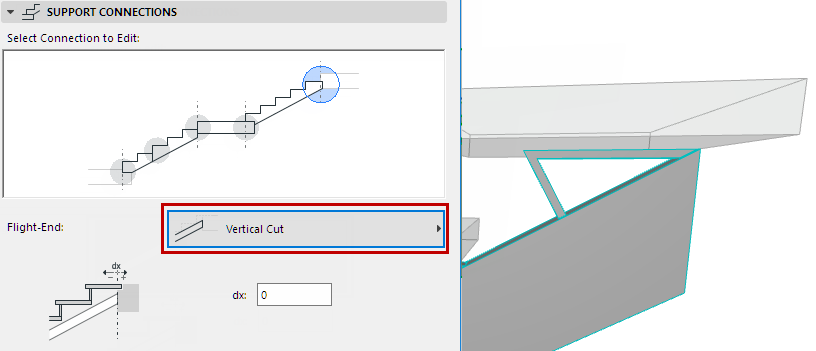
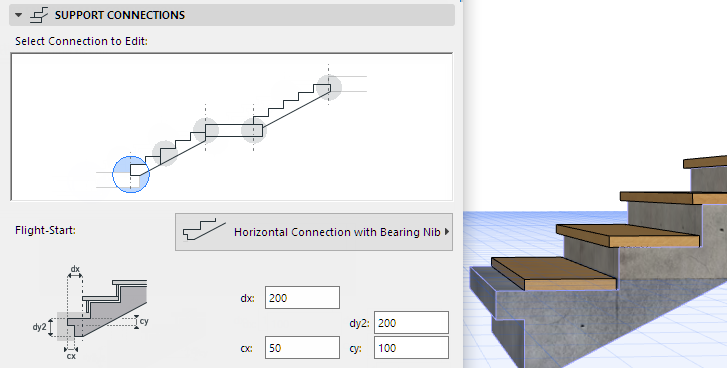
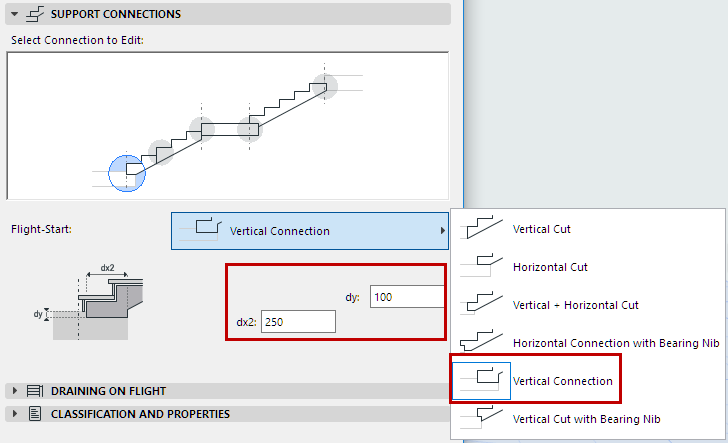
To set Endings and Connections for the Stair, go to the Flight Structures
Settings page, and the Support Connections Panel. This panel is available in both Stair
Settings (Flight Structure) and for a selected Flight Structure in Edit mode.
All the Stair’s Flight and Landing connections and endings are handled
here:
Flight-Start
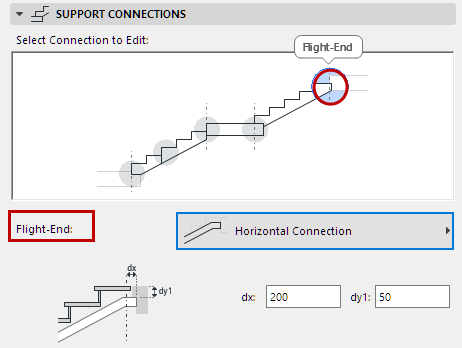
Flight-End
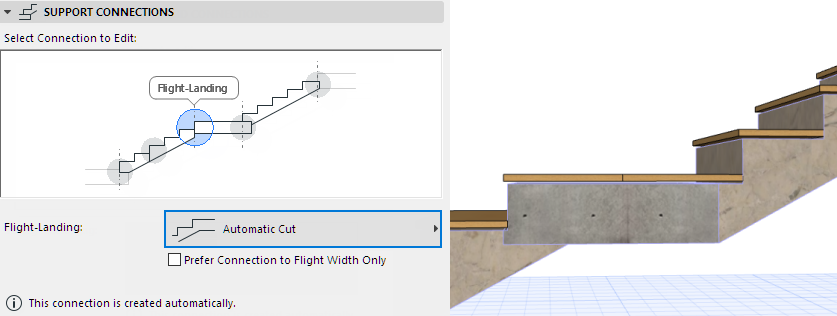
Flight-Landing
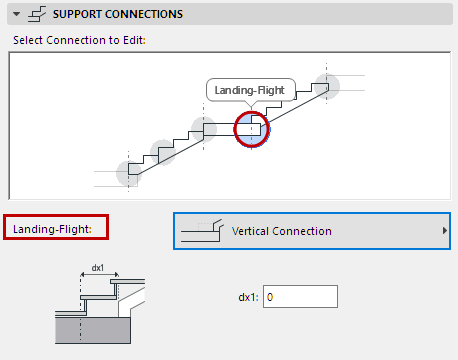
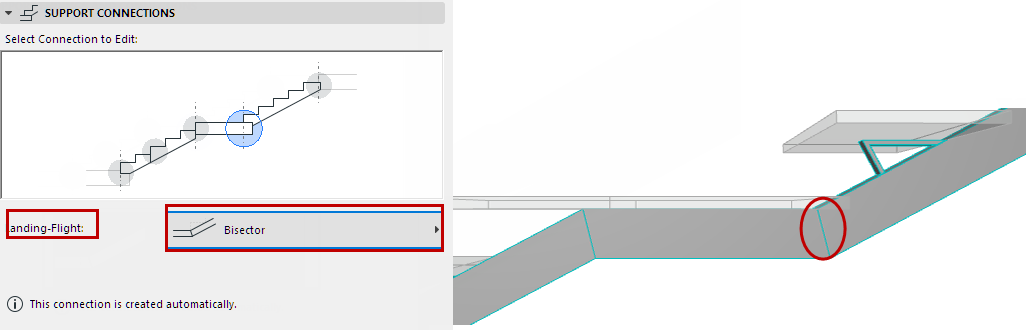
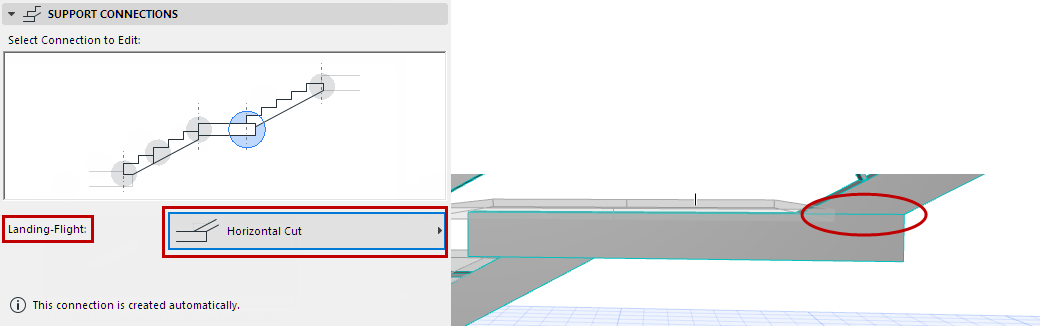
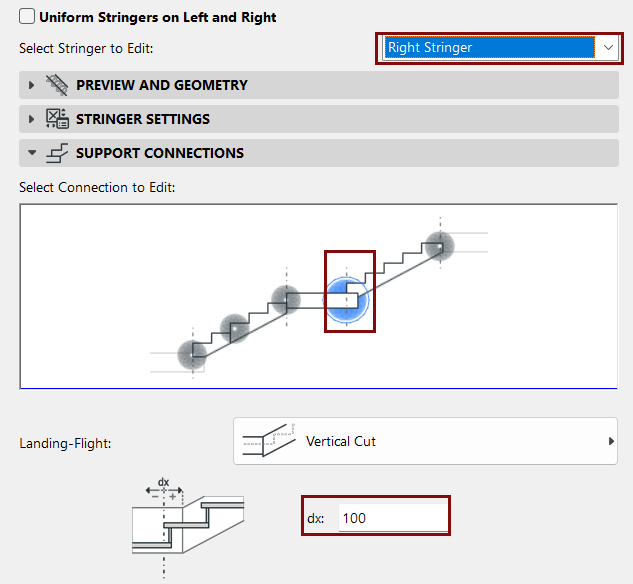
Landing-Flight
Flight-Flight
In the Preview, hover and click to choose the connection or ending you
want to edit.
From the pop-up, choose the desired Connection type. This is a fixed
set of options, which vary depending on the structure and connection/type.
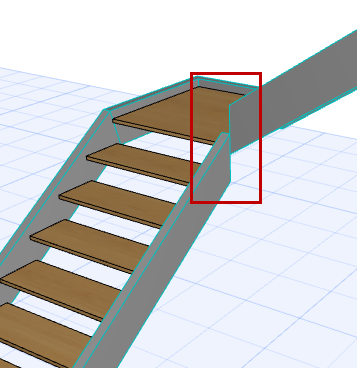
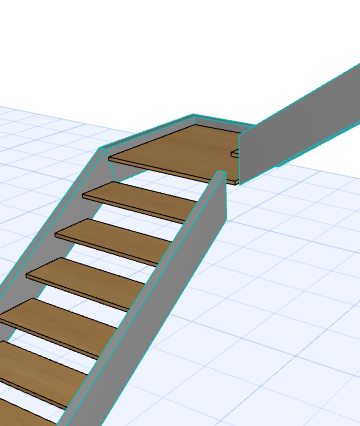
The Automatic options require no additional settings from the user.Figure 1. Landing-Flight Connection: Automatic Cut
Beam Flight Ends:
Horizontal and Vertical
Figure 2. Monolithic Flight End: Horizontal with Bearing Nib