Stair Settings: Symbol Overrides
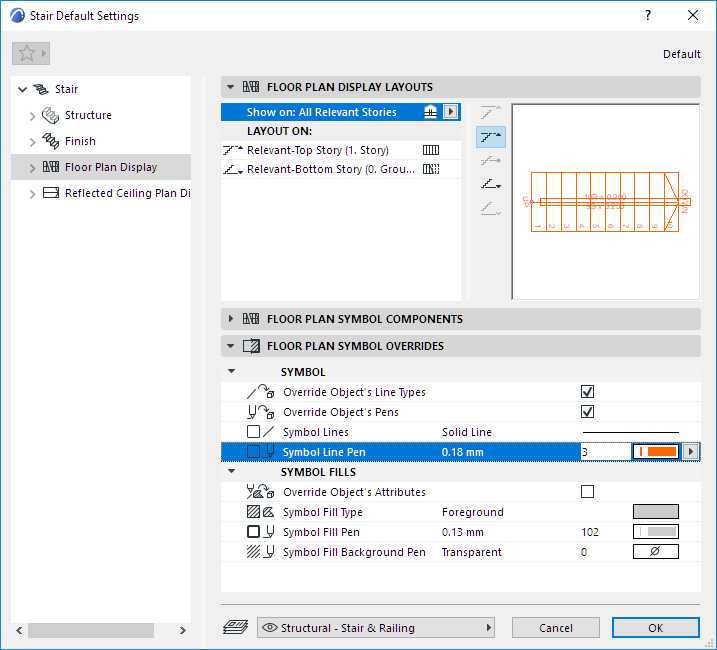
Apply overrides to the display of the Stair’s entire 2D symbol (lines, pens, fills).
Available for both the Floor Plan Display node and the Reflected Ceiling Plan Display node of Stair Settings. These settings are independent of Model View Options.
Use them to optionally apply overrides to the display of the Stair’s entire 2D symbol (lines, pens, fills).