Post Settings (Railing Tool)
Note for MEP Designer users: Railings and Railing Settings are visible, but cannot be created or edited.
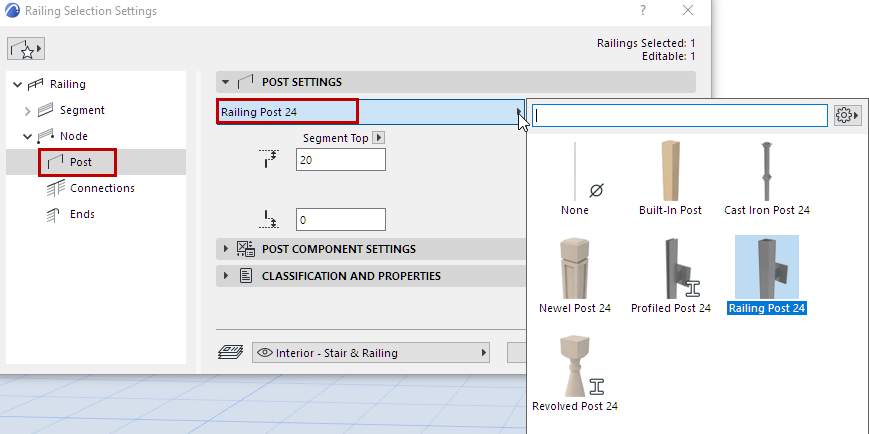
From the pop-up, choose a GDL component to be placed as a Post at each Node of the Railing, or choose None from the pop-up (if you do not want to place a physical Post).
To define settings for the GDL component, use the panel below. See Post Component Settings (Posts/Inner Posts/Balusters).
In addition to predefined content, you can save a custom component as a Post.
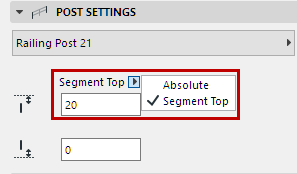
Enter a bottom and top offset value for the Post.
Use the pop-up to define how to calculate the offset: