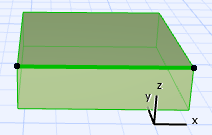
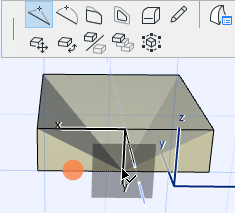
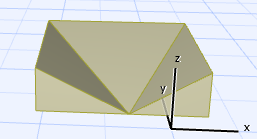
Basic Morph Editing: Add Node to Morph Bring up the pet palette on the edge of a selected Morph (or on a selected edge). Use the Add Node command from the pet palette. Move the node (and its connected faces/edges) along the editing plane. Change editing plane if needed. Parent topic: Basic Morph Editing