Transforming Morphs: Box Stretch a Morph
Use this command from the pet palette of a selected Morph, to stretch the entire Morph by its bounding box.
- Select a Morph.
- From the pet palette, choose the Box Stretch command.
A bounding box appears around the Morph.
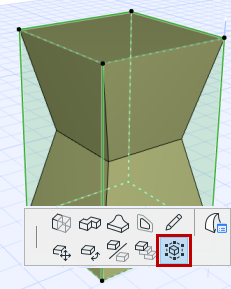
- Click on an edge, face or node of the bounding box.
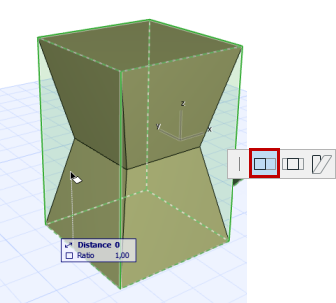
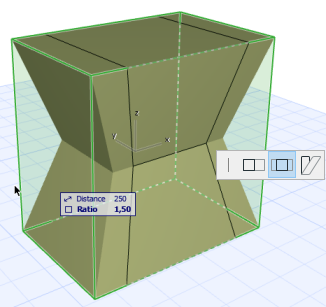
A “stretch” pet palette appears with three options.
- Choose one of these three stretch varieties: Stretch, Stretch from Center, or Skew.
- Then drag to transform your Morph.
Depending on which part of the box you clicked, the stretching result will vary:
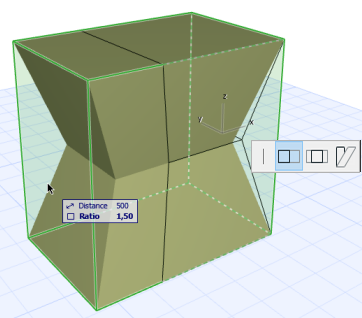
The plain Stretch (clicked on box face):
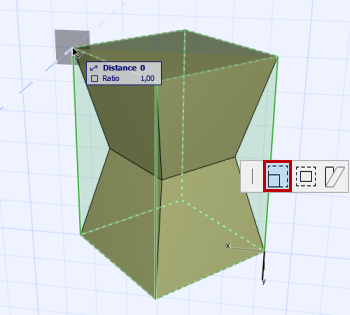
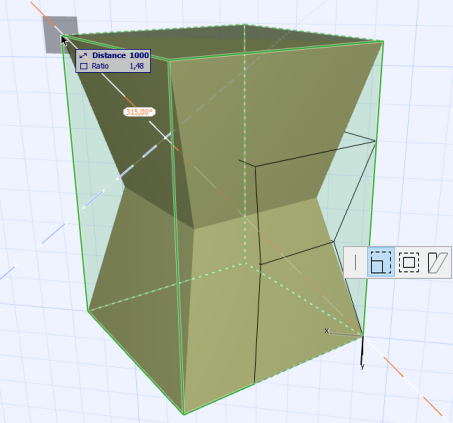
The plain Stretch (clicked on a box node):
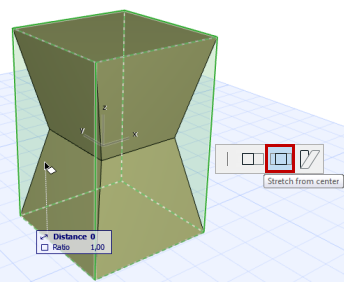
The Stretch from Center (clicked on box face):
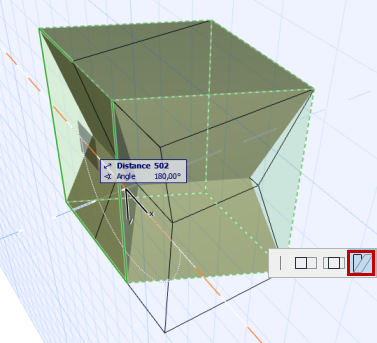
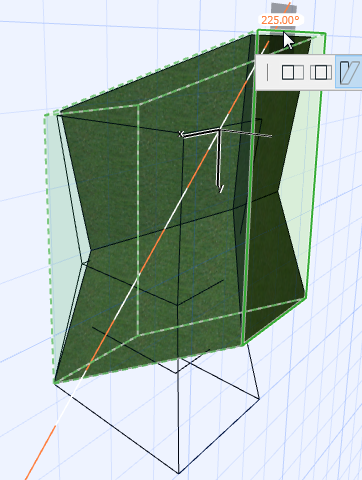
The Skew: