Use Limited Opening to Create Niche or Recess
A limited Opening can be used, for example, as a Wall Niche or a Slab Recess.
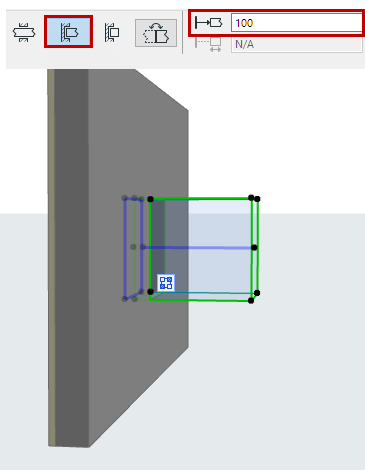
Limit One Side
- In Opening Settings or the Info Box, choose Limit One Side.
- Click on the associated element into which to place the opening.
- Move the eyeball cursor to see the placement options (e.g. on either side of the host Wall’s reference line).
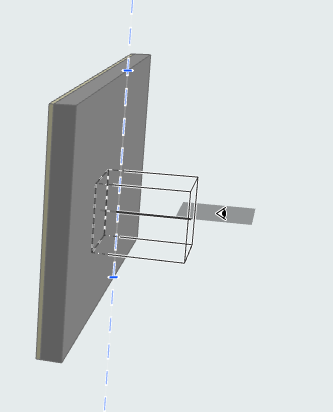
- Click to place. The Opening’s limited side coincides with the host’s reference line/plane.
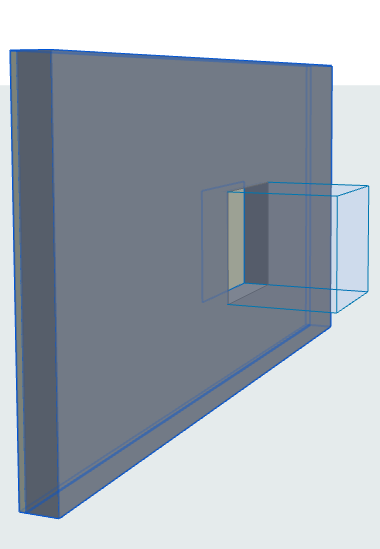
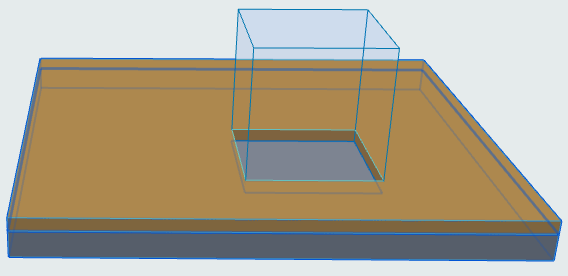
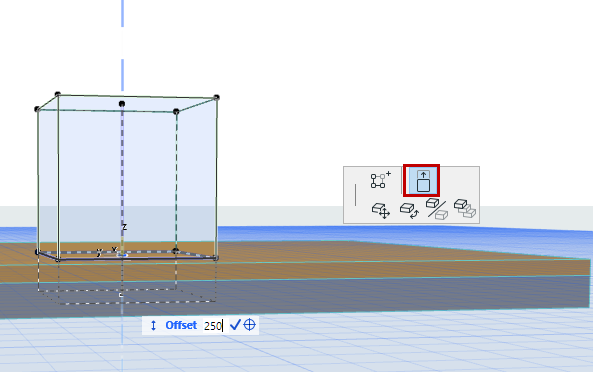
Offset Host Element’s Reference Line/Plane
Do one of the following:
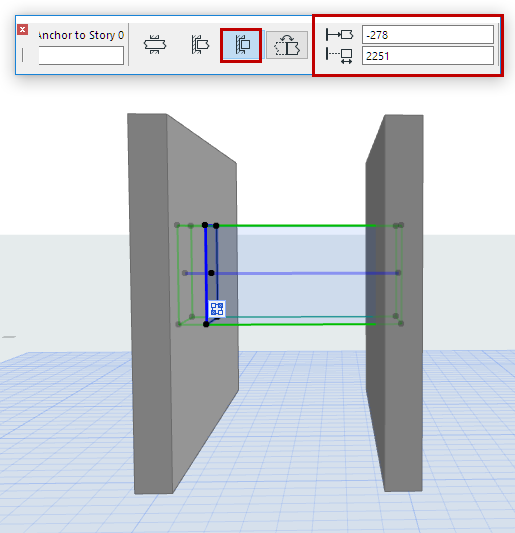
Limit Both Sides
Move Opening’s Reference Line/Plane
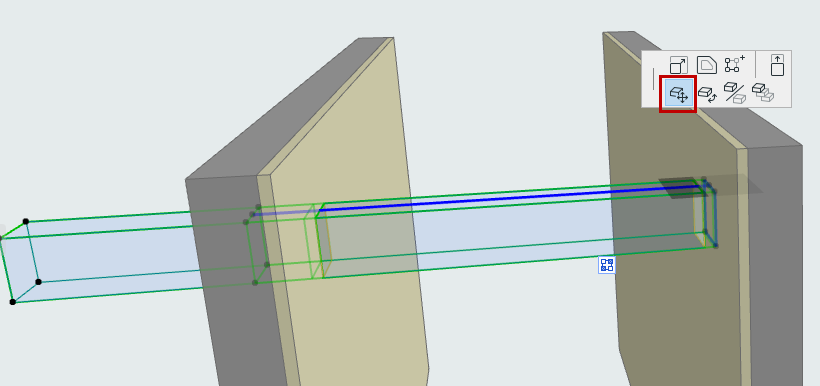
For Openings placed with the Horizontal or Vertical method (but not the Aligned method): You can use the Drag command from the pet palette to reposition the Opening’s reference line/plane.
Flip Opening
To reverse the direction of a limited Opening, click Flip in Opening Settings or the Info Box.