Curve a Beam Vertically
In the 3D or Section/Elevation window:
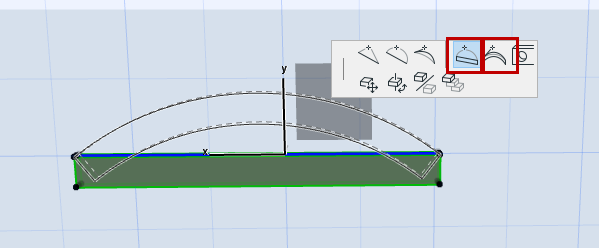
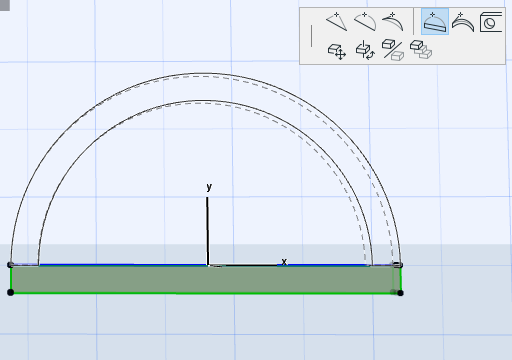
A Beam’s vertical curve cannot curve in on itself.
A given Beam cannot curve in both vertical and horizontal directions.
- For a straight beam: its curve height cannot be larger than the radius of the curve.
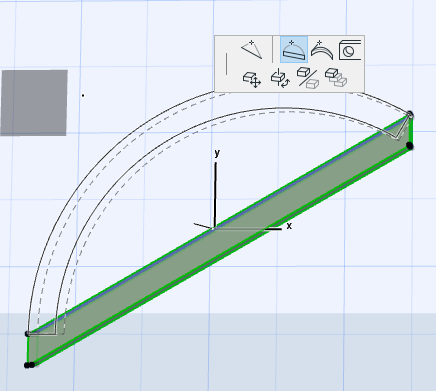
- For a slanted beam: the arc's start and end points cannot be lower than the arc's origin
- For a vertically curved Beam, the Radial Stretch command is also available:
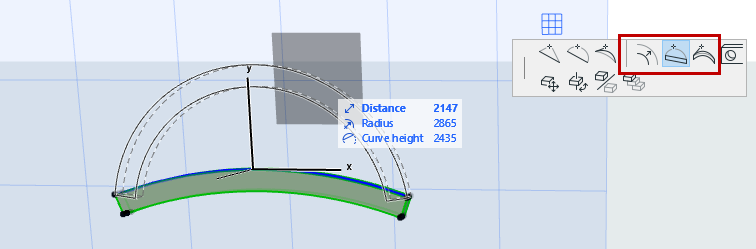
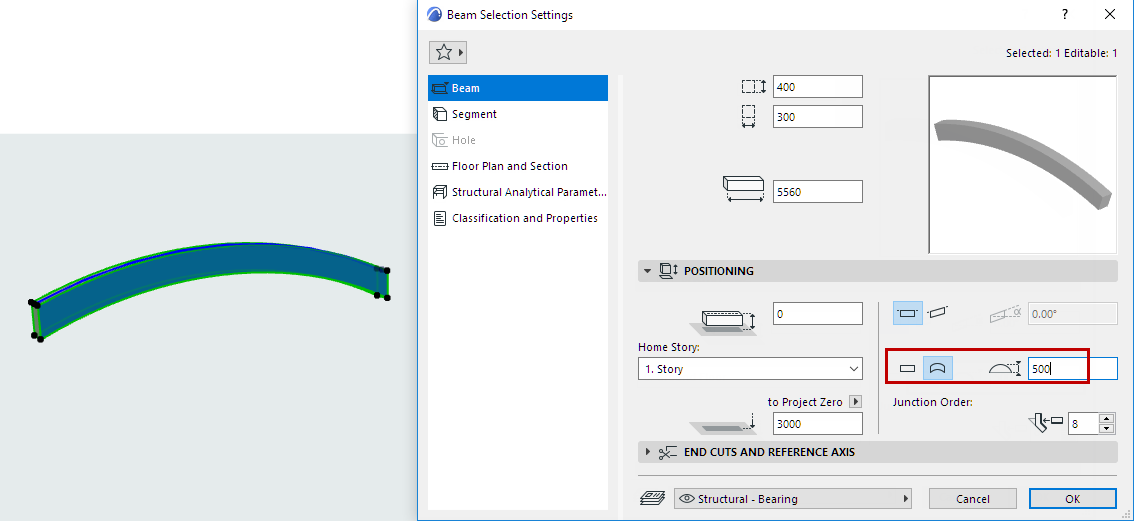
Alternatively, in Beam Settings or the Info Box: Click the Curved icon and define the Chord/Arc Height.