Define Join Geometry

In Beam Settings:

For a Join component selected in the list (at the top of Beam Segment Settings): Use the Segment Join panel (below) to define its angle as horizontal, vertical or custom.
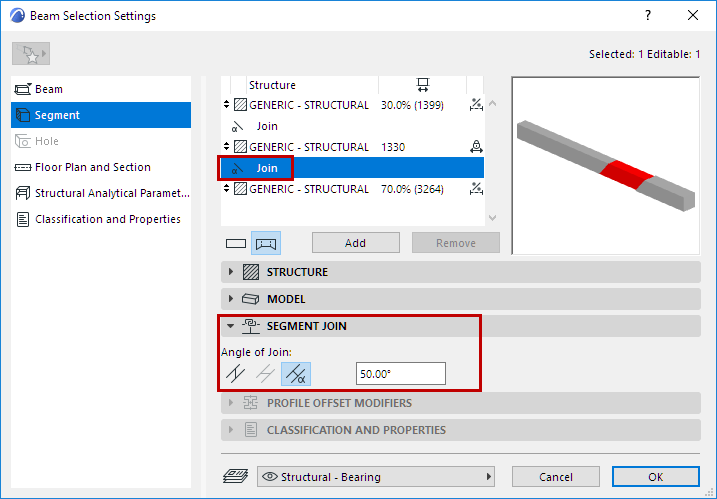
Note: Vertical Join available for slanted Beam only.

SegmentJoinPanelBeam.png

In 3D Window:

Joins can be edited graphically:
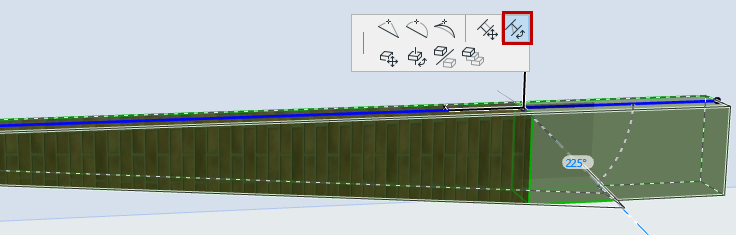
  1. Select the Beam in the 3D window.
  2. Click the Join hotspot (on the Beam reference line).
  3. From the pet palette, use Rotate Join Angle to adjust the Join angle

    JoinPetPaletteBeam.png

Related Topic:

Define Beam/Segment Structure