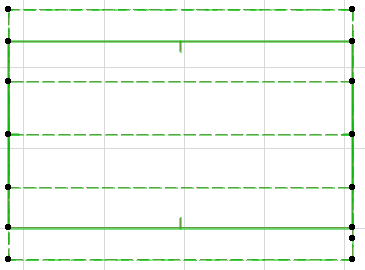
Gambrel Roof
The Gambrel Roof is like the Mansard, except that it is gabled at both ends.
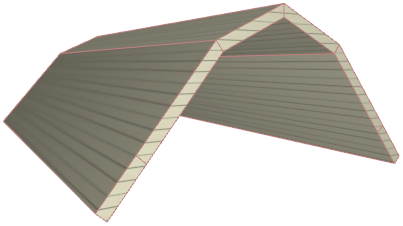
- Begin with a Gable Roof.
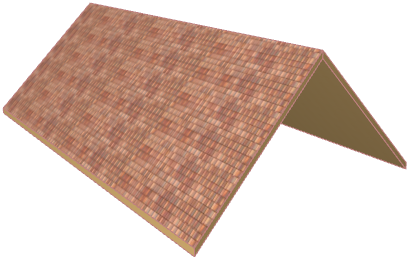
- Select the Roof.
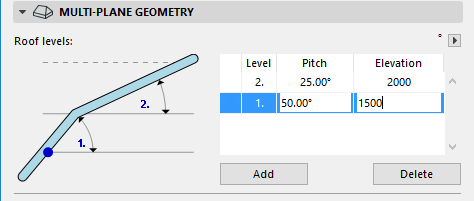
- In the Multi-plane Geometry panel of Roof Settings, click Add to add a new Roof level.
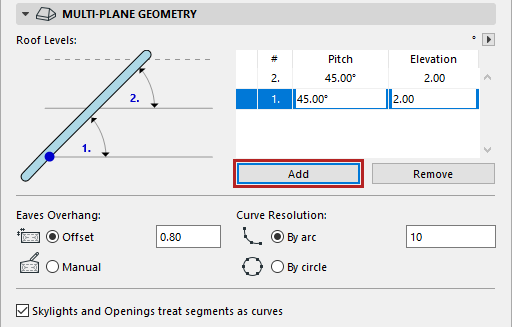
- Adjust the pitches of each level. The first, steeper level should be 50 degrees. The top, flatter level should be 25 degrees.
- Adjust the elevation of Level 1 so that it ends (and Level 2 begins) at 1500 mm.
- In the Model panel of Roof Settings, adjust the surfaces as desired.
- Click OK to close Roof Settings. The Gambrel Roof is complete. The additional roof level is indicated by a dotted line on the Floor Plan.