Merge Elements: Roofs, Shells, Morphs
Use the Connect > Merge Elements command to enable priority-based intersections among any number of Roof/Shell/Morphs and other elements. (At least one of the merged elements must be a Roof, Morph or Shell.)
Note: Alternatively, you can use Roofs and Shells to trim other elements (not just merge them): This is another way to enable priority-based connections for Roofs/Shells, as well as physically trimming the target element.
See Trim Elements to Roof or Shell.
Merge Elements: Example
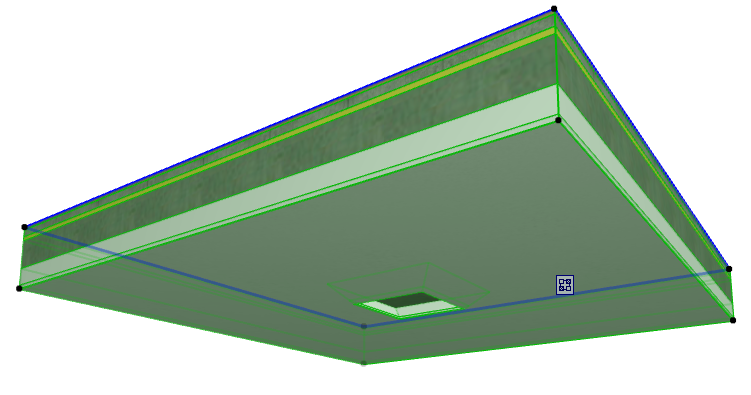
- Suppose you have two colliding construction elements: a Morph and a composite Slab.
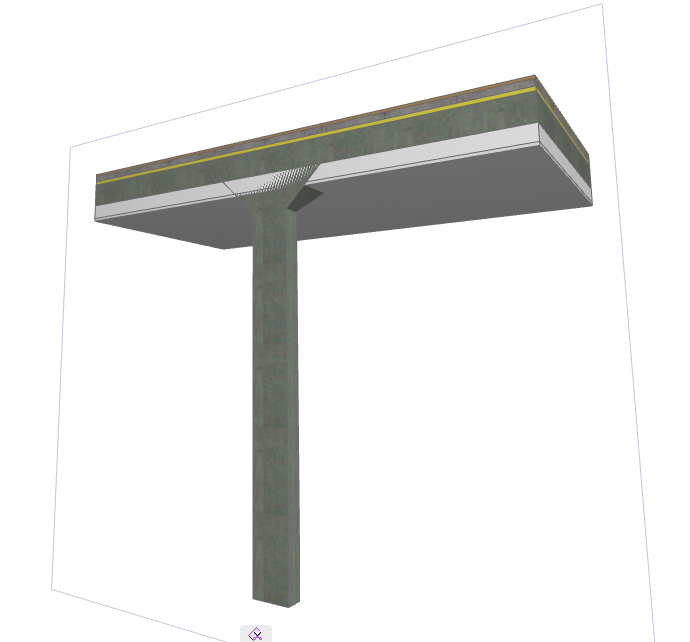
- Select the Morph.
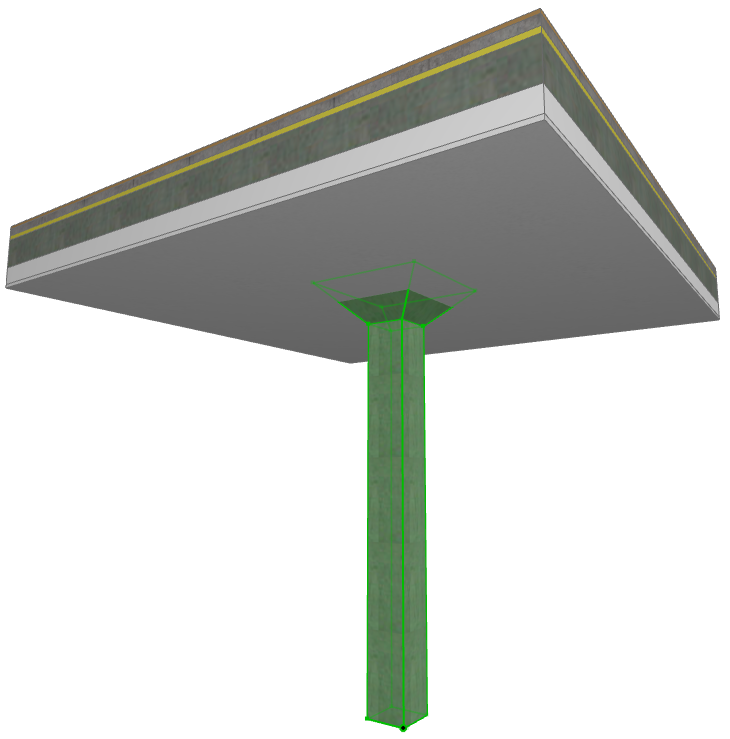
- Use Design > Connect > Merge Elements. You are prompted to choose the element you want to merge it with.
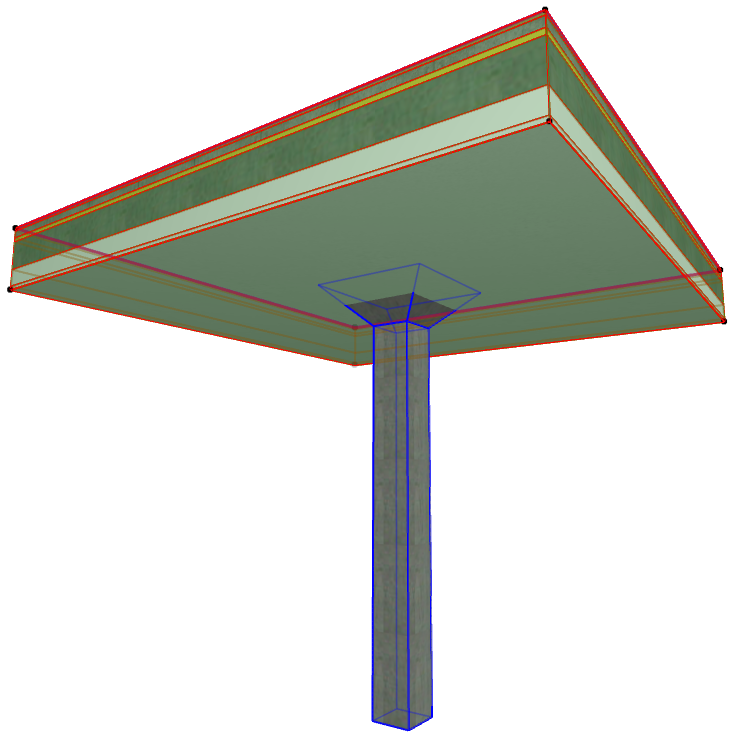
- Click on the target element. The two elements are now merged, with their priority-based skin intersections correct.
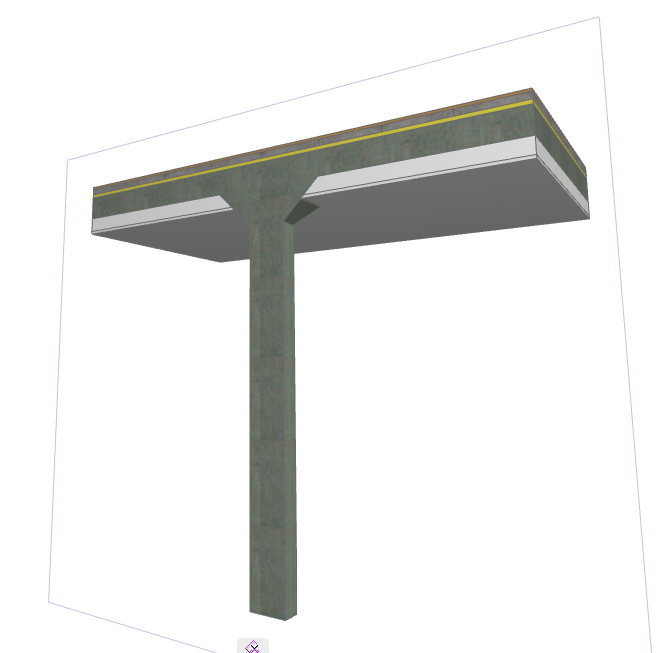
For general information on how intersections (junctions) work among construction elements:
For information on managing merged elements: